How to Make Money on YouTube as a Beginner

YouTube can become a real income stream, but it is not fast money and it is not only about ad revenue.
A beginner can earn through affiliate links, services, digital products, sponsorships, audience support, and eventually YouTube’s own monetization features. The strongest channels do not wait for ads alone. They use useful videos to build trust, then connect that trust to relevant offers.
This guide helps you decide whether YouTube is right for you, choose a channel model, understand how income works, and create a realistic first 30-day plan.
Reality check: YouTube is a long-term audience asset. It is not the best path if you need guaranteed income within the next 30 days. Build it alongside a faster path, such as a service or reselling, instead of treating it as an emergency paycheck.
Is YouTube a Good Online-Income Path for You?
YouTube may be a good fit if you can:
Explain, demonstrate, review, compare, or simplify useful topics.
Stay focused on one audience problem for several months.
Publish consistently, even before you see results.
Learn from feedback instead of expecting every video to perform well.
Build trust before expecting income.
It may be a poor fit if you need immediate guaranteed income, dislike creating any form of content, or want a completely passive business from day one.
You do not need expensive equipment, professional editing skills, or a large audience to start.
You need a clear topic, a repeatable format, and patience to improve.
How YouTube Creators Actually Make Money
Most beginners think YouTube income means ads. Ads matter, but they are only one part of the business.
| Income Stream | Can It Start Before YouTube Ads? | Best Use |
|---|---|---|
| Affiliate links | Yes | Tutorials, reviews, comparisons, resource videos |
| Services | Yes | Consulting, freelancing, AI services, coaching, or support |
| Digital products | Yes | Templates, checklists, guides, trackers, and mini resource packs |
| Sponsorships | Usually later | Channels with a clear niche and engaged audience |
| YouTube ads and Premium revenue | No | After qualifying for full YPP monetization |
| Memberships, Supers, and fan funding | Usually later | Communities with loyal viewers |
| YouTube Shopping | Depends on eligibility and location | Product-focused channels |
| Licensing | Usually later | Original footage, media, or educational assets |
The practical lesson is simple:
Do not wait for ads before thinking about income. For a practical breakdown of YPP, ads, affiliate links, services, and products, read How to Monetize a YouTube Channel: YPP, Ads, Affiliates, Services, and Products.
For example:
A channel about remote-work tools can recommend useful products through affiliate links.
A channel about AI for local businesses can attract service clients.
A channel about productivity systems can sell templates or checklists.
A channel about beginner freelancing can eventually sell guides, workshops, or services.
The video attracts attention. The offer creates the business model.
Understand the YouTube Monetization Milestones
YouTube has two important earning stages in eligible countries and regions.
Earlier Access to YouTube Partner Program Features
Creators may be able to apply for earlier access when they have:
500 subscribers
3 valid public uploads in the past 90 days
And either:
3,000 valid public watch hours in the past 12 months, or
3 million valid public Shorts views in the past 90 days
This may unlock selected fan-funding and Shopping features.
Full Ad Revenue Access
For ad revenue and YouTube Premium revenue sharing, the usual higher threshold is:
1,000 subscribers
And either:
4,000 valid public watch hours in the past 12 months, or
10 million valid public Shorts views in the past 90 days
Reaching a number does not guarantee approval. Your channel must also follow YouTube’s monetization policies, use original content, and meet applicable country and payment requirements.
Check your own current eligibility inside YouTube Studio → Earn and review YouTube’s official Partner Program eligibility rules.
Choose Your YouTube Model
There are four realistic ways to create a channel.
| Model | What It Looks Like | Best For | Main Challenge |
|---|---|---|---|
| On-camera | You speak or appear in videos | Teaching, reviews, personal brands, coaching | Confidence and filming consistency |
| Faceless | Screen recordings, slides, demonstrations, narration, original visuals | Tutorials, explainers, education, software content | Strong scripts and visual pacing |
| AI-assisted | AI helps with research, outlines, captions, thumbnails, and editing support | Busy creators who still review every output | Fact-checking and originality |
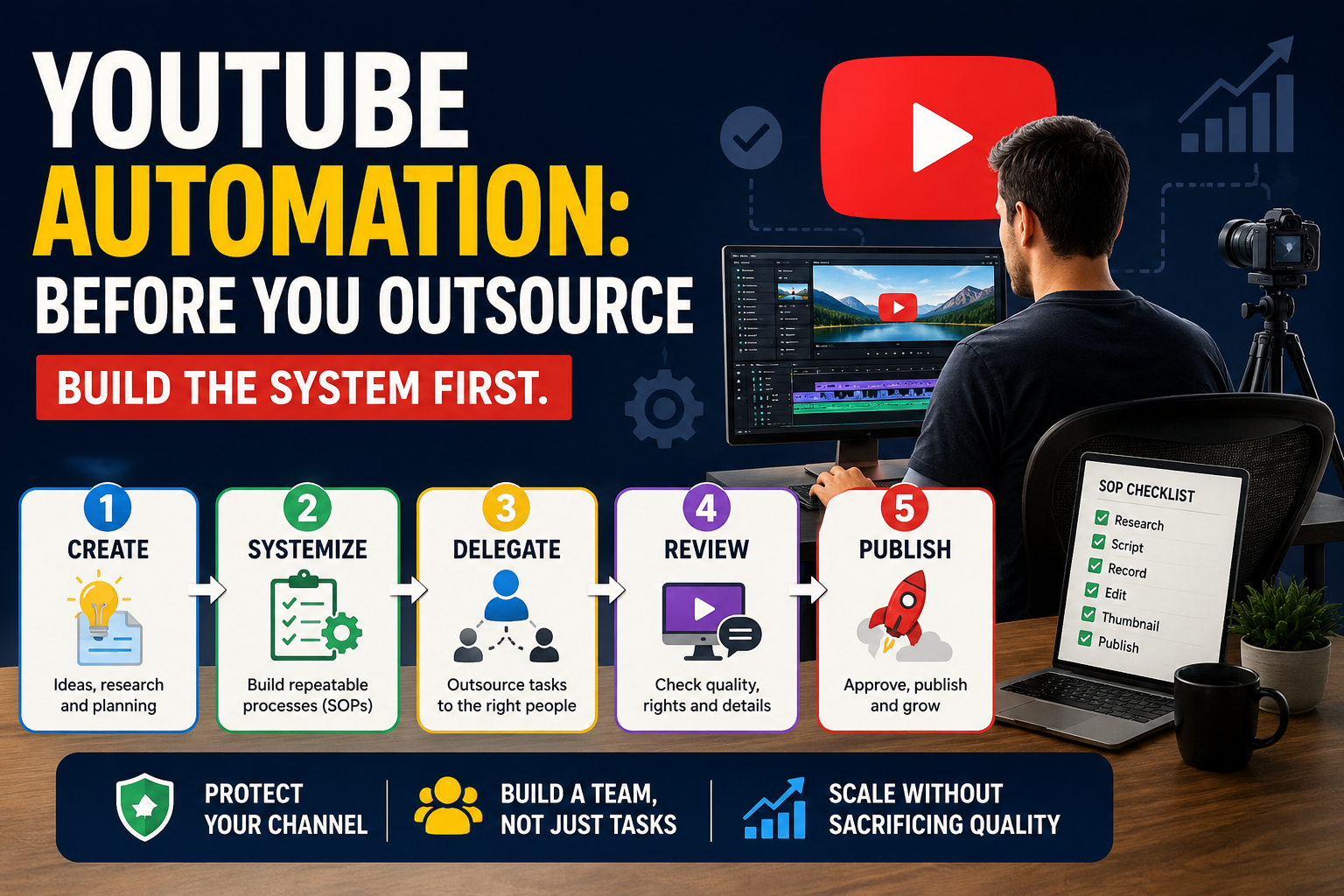
| YouTube automation | You delegate repeatable tasks after proving the format yourself | Operators with systems, budget, and quality control | Cost, rights, quality, and policy risk |
The Best Starting Choice
Choose on-camera when your personality, experience, or direct explanation is the main value.
Choose faceless when your value comes from tutorials, screen recordings, demonstrations, original visuals, research, or narration.
Choose AI-assisted when you have limited time but will still review every script, visual, claim, and final edit.
Do not start with full automation.
Automation should come later, after you have proven that one original video format works. Outsourcing a weak idea only produces more weak videos.
Do not want to appear on camera? Read How to Start a Faceless YouTube Channel in 2026: No Camera, No Studio, Real Numbers.
Choose a Niche That Can Become a Business
A niche is not simply a topic. It is the specific audience problem you choose to solve.
Use this formula:
Audience + Problem + Helpful Outcome
Examples:
Remote job seekers + poor interview setup + clearer online interviews
Small business owners + weak online visibility + simple AI marketing systems
Beginner freelancers + no client system + simple organization workflows
Parents + disorganized planning + printable systems that save time
New computer users + confusing software + beginner-friendly tutorials
Avoid broad niches such as “motivation,” “business,” or “technology.”
Instead, make one clear promise:
“I help beginner remote workers choose affordable tools and build a professional work-from-home setup.”
A clear promise helps viewers understand why they should subscribe. It also makes future affiliate links, services, and digital products easier to connect naturally.
Five Questions Before You Choose a Niche
Can I create at least 30 useful video ideas around this?
Are people already searching for help with this topic?
Can I explain, demonstrate, compare, review, or solve problems in this area?
Is there an honest income model beyond ads?
Can I stay interested for at least 90 days?
Choose one practical niche, then test it. Do not spend months trying to find a perfect idea.
Build a Channel Around Videos That Have a Job
Not every video needs to sell something. But every video should have a purpose.
Search Videos
These answer questions people already ask.
Examples:
How to create a simple home office on a budget
Best free tools for beginner freelancers
How to organize client work in Google Drive
How to start a faceless YouTube channel with screen recordings
These can attract viewers over time through search.
Trust Videos
These show your thinking, experience, process, or opinions.
Examples:
What I would do if I had to start from zero
Five mistakes beginner freelancers make
Why most people choose the wrong online-income path
What I would not spend money on as a beginner creator
These help viewers understand your point of view.
Conversion Videos
These connect a useful problem to a relevant next step.
Examples:
Best budget microphones for remote interviews
Which resume tools are worth paying for?
How I use a simple planner to stay consistent
Best AI tools for a small local business
A conversion video must still be useful even if the viewer never buys anything.
Use AI to Save Time, Not to Remove Responsibility
AI can help a busy creator work faster.
Use it for:
Topic ideas
Video outlines
First-draft scripts
Hook options
Caption drafts
Title variations
Thumbnail text ideas
Content calendars
Turning one long video into several Short ideas
But you remain responsible for:
Checking facts
Rewriting generic language
Confirming rights to visuals, music, clips, and voice assets
Adding original examples, demonstrations, or opinions
Reviewing every final edit
Using YouTube’s altered or synthetic content disclosure when required
A useful rule:
AI can help you publish faster. It cannot create a reason for someone to watch.
Your First 30-Day YouTube Plan
Days 1–7: Choose Your Direction
Choose one audience and one clear problem.
Pick on-camera, faceless, or AI-assisted creation.
Create a simple channel name and one-sentence promise.
List 30 video ideas.
Choose one long-form format and one Shorts format.
Days 8–14: Create Your First Video
Choose one specific beginner question.
Create a simple five-point outline.
Record with your phone, screen recorder, slides, or original visuals.
Focus on clarity, not perfection.
Publish one useful long-form video.
Days 15–21: Create Supporting Shorts
Create two Shorts from the same topic.
For example:
Long video: How to Build a Budget Home Office for Remote Work
Short 1: The one thing that matters more than an expensive webcam Short 2: Three mistakes that make remote interviews look unprofessional
Shorts attract attention. Long videos build deeper trust.
Days 22–30: Learn From the Results
Review:
Which topic received the most impressions?
Which title and thumbnail earned clicks?
Which video kept viewers watching longer?
Which questions appeared in comments?
Which content idea feels easiest for you to repeat?
Do not change your niche after one weak video. Test one clear format before deciding whether to improve, narrow, or pivot.
Start Here in 30 Minutes
You do not need to finish everything today.
Write down one audience you understand.
Write down one problem they repeatedly face.
Write one video title that solves that problem.
Create a five-point outline.
Record a simple first version using your phone, screen recorder, or slides.
Your first video is not your business. It is the beginning of evidence.
Common Beginner Mistakes
Waiting for Expensive Equipment
A phone, clear audio, simple lighting, and useful content are enough to start.
Depending Only on Shorts
Shorts can bring discovery, but long-form videos usually give you more room to teach, build trust, and create watch time.
Treating AI as a Content Factory
Generic scripts, reused visuals, and repetitive templates can hurt trust and monetization eligibility.
Waiting for Ads Before Building Income
Affiliate links, services, and small digital products can often be tested before ad monetization.
Quitting After Three Videos
Three videos are not enough evidence. Give one focused format a meaningful test before deciding whether to improve or change direction.
Continue Your YouTube Path
Primary Next Step
How to Start and Set Up a YouTube Channel for Beginners
Start here if you need to set up your YouTube channel before creating videos.
Alternative 1
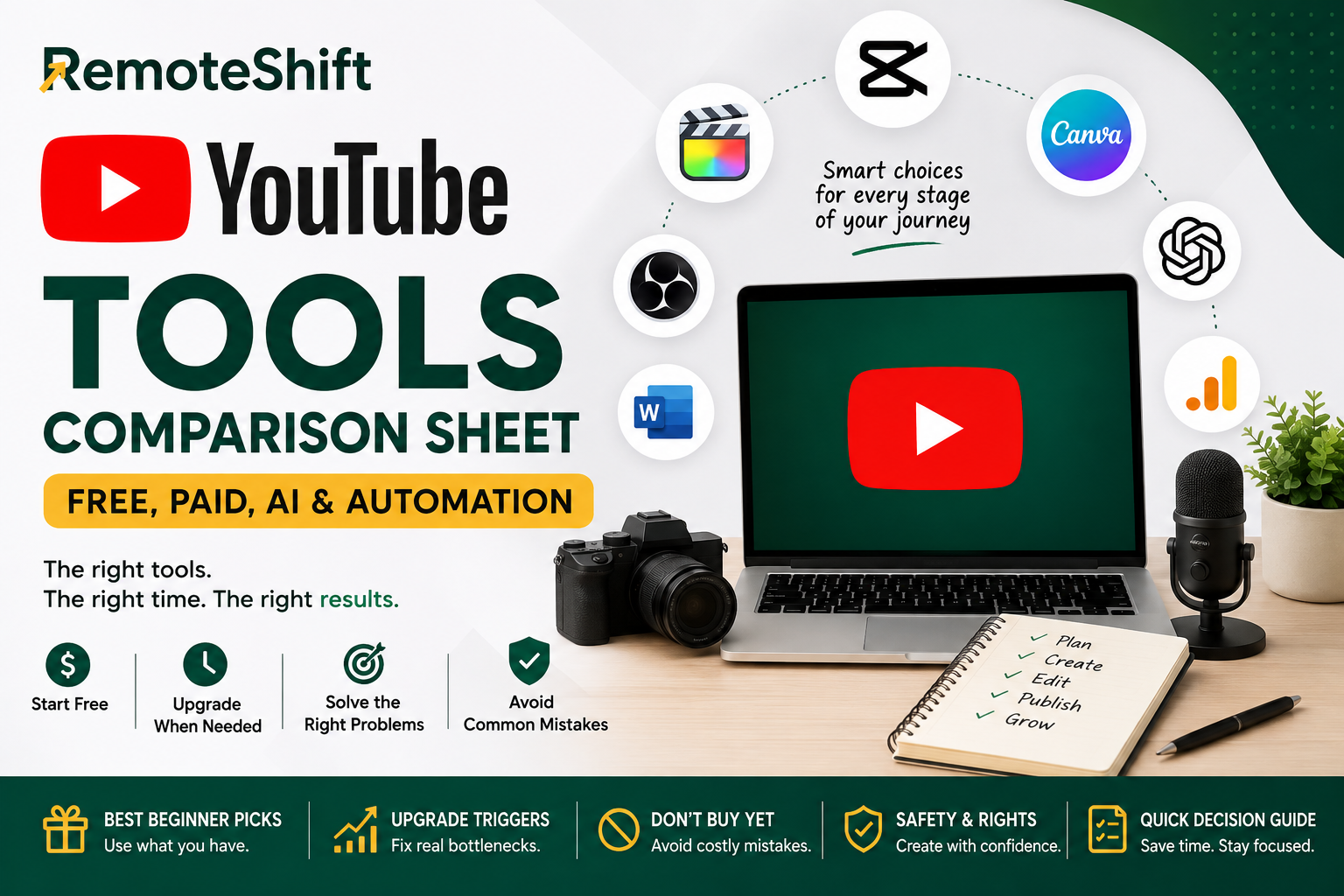
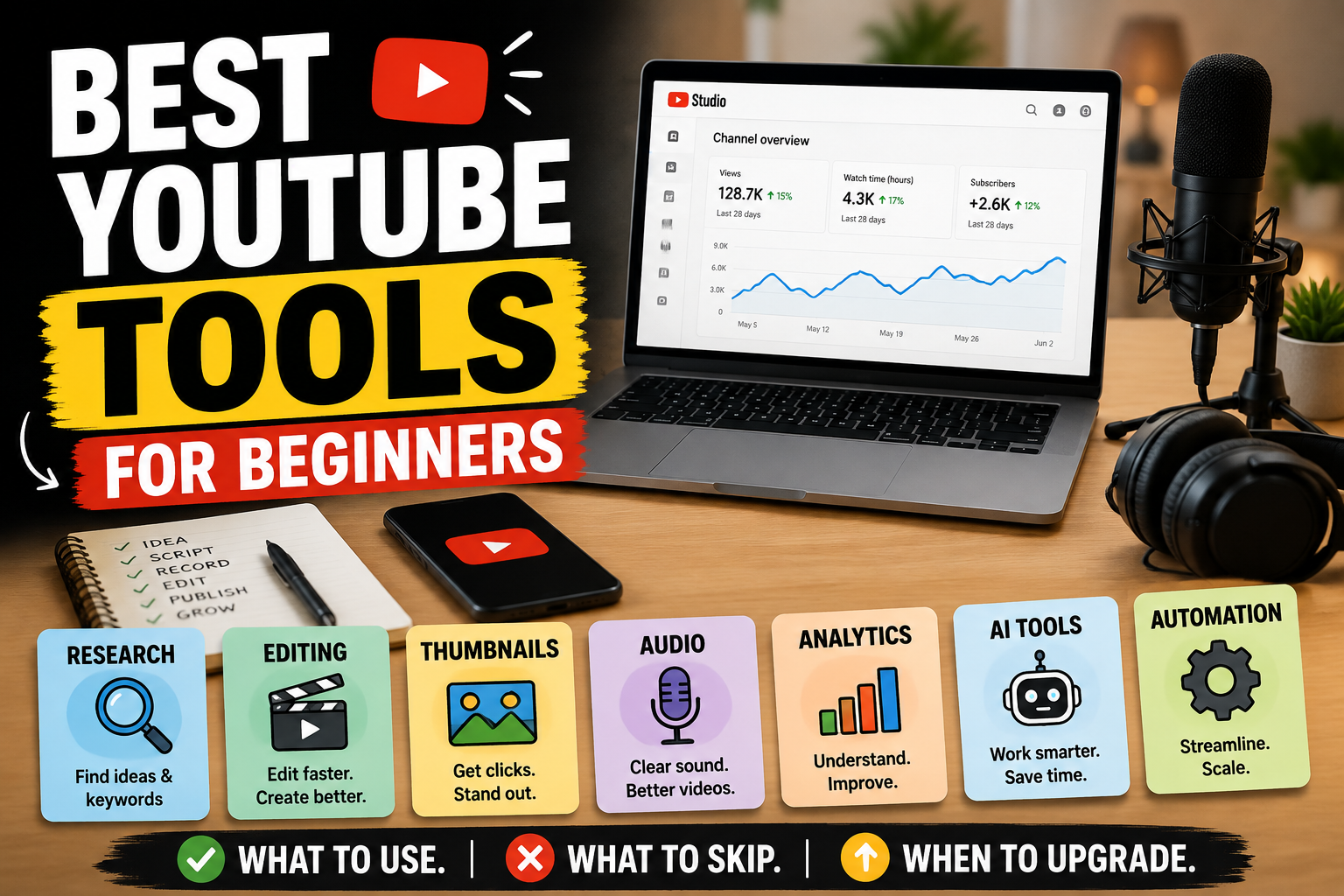
Best YouTube Tools for Beginners: Free, Paid, AI, and Automation Tools
Use this if you're ready to choose the tools for your YouTube workflow.
Alternative 2
How to Monetize a YouTube Channel: YPP, Ads, Affiliates, Services, and Products
Explore this when you're ready to understand how a YouTube channel can make money.
Take the RemoteShift Assessment
Not sure whether YouTube is the right online-income path for you?
Take the RemoteShift assessment to find a path that better fits your skills, time, budget, and goals.