How to Start a Faceless YouTube Channel in 2026 (No Camera, No Studio, Real Numbers)

I work a 9-to-5 in a call center. I'm not comfortable on camera, I don't own fancy equipment, and I don't have hours of free time. And I'm building a faceless YouTube channel anyway — because it's one of the few online income paths where none of those things actually matter.
If you've been wondering whether you can really build a YouTube channel without ever showing your face, the short answer is yes. People do it every day. But most articles about this topic are written by people selling you a course, so the numbers are inflated and the hard parts are hidden. This guide is the opposite. I'm going to walk you through exactly how faceless channels work, what they cost to start, how they make money, and how long it realistically takes — including the part where most people quit.
New to YouTube? Start with our complete guide to making money on YouTube as a beginner.
What Is a Faceless YouTube Channel?
A faceless YouTube channel is a channel where the creator never appears on camera. Instead, videos are built from voiceover narration combined with stock footage, screen recordings, animations, AI-generated visuals, or slideshows. The audience connects with the voice, the ideas, and the consistency of the content — not a face.
Some of the biggest channels on YouTube are faceless. Think of history channels narrated over old footage, finance channels built on charts and motion graphics, ambient music channels, or "explainer" channels that break down complicated topics with simple visuals. Nobody knows what those creators look like. It has never slowed them down.
Why Faceless Channels Work So Well Right Now
Two things changed in the last few years that made this model genuinely accessible to ordinary people.
First, the tools got cheap. AI voice generators like ElevenLabs can produce narration that sounds natural and warm for a few dollars a month. Free editors like CapCut handle everything a beginner needs. Free stock footage libraries like Pexels and Pixabay cover almost any visual you can imagine. Ten years ago, producing one decent video required a camera, a microphone, lighting, and editing software that cost hundreds of dollars. Today the whole stack fits inside a laptop and a budget under $50 a month — and you can start with even less.
Second, YouTube pays for watch time, not faces. The algorithm doesn't know or care whether a human appears on screen. It cares whether people click your video and keep watching. A faceless video with a strong hook and a clear story beats a talking-head video with neither, every single time.
One honest caveat, because I promised you honesty: the easy version of this — uploading low-effort AI slop and hoping the algorithm rewards it — is dead. YouTube has been actively demonetizing mass-produced, repetitive content. The channels that win are faceless in production, but very human in thinking. A real person chose the topic, wrote the script, and shaped the story. That's the version of this business that works, and it's the only version I'll teach you.
What You Need to Start (It's Less Than You Think)
Here is the entire starting toolkit:
A laptop or even a decent phone
A free video editor (CapCut is the standard choice)
Free stock footage (Pexels, Pixabay, Videvo)
A way to record or generate voiceover — your own voice into a phone mic works, or an AI voice tool like ElevenLabs (free tier to test, around $5–22/month when you're serious)
A free Canva account for thumbnails
That's it. Total cost to publish your first video: somewhere between $0 and $25. No course required. Anyone telling you that you need to spend $500 before your first upload is selling something.
How to Start a Faceless YouTube Channel: Step by Step
Step 1: Pick one niche and stay in it
This is the decision that matters most. YouTube rewards channels that train the algorithm to know exactly who their videos are for. Pick a topic you can talk about for a year without getting bored — personal finance, a hobby you know deeply, history, technology explained simply, productivity, true stories from an industry you've worked in.
Your unfair advantage is whatever you already know. I spent two decades in customer service and sales, so I know things about that world an outsider could never fake. You have an equivalent. Use it. Specific lived knowledge is exactly what mass-produced AI channels can't copy.
Step 2: Study what already works in your niche
Before writing anything, spend a few hours watching the top faceless channels in your niche. Don't copy them — study them. What do their titles promise? How do the first 30 seconds hook you? How long are the videos? You're reverse-engineering proof, not reinventing television.
Step 3: Write a script a human would actually want to hear
The script is the product. Everything else is packaging. Write the way you'd explain the topic to a friend across a table: a hook in the first two sentences, one clear idea per video, short sentences, and a payoff at the end. AI can help you research and outline, but the judgment about what's interesting has to come from you. Viewers can feel the difference, and so can the algorithm — through retention.
Step 4: Record the voiceover
Two options. Record your own voice on your phone in a quiet room with a blanket over your head if you have to — imperfect but genuine works. Or use an AI voice tool and pick a natural-sounding voice that fits your niche. An AI voice reading a script you genuinely wrote is a production choice, not a shortcut. The thinking is still yours.
Step 5: Edit with visuals that match every line
Drop your voiceover into CapCut, then layer stock footage, screenshots, or simple text over it so something on screen changes every few seconds. You don't need fancy effects. You need the visuals to keep pace with the narration so viewers never get bored enough to leave.
Step 6: Make a thumbnail people actually click
Spend as much time on the title and thumbnail as you spent editing. One bold image, three to five words of text maximum, high contrast. The best video in the world earns nothing if nobody clicks it.
Step 7: Publish on a schedule and do not stop
One video a week, every week, is enough. Consistency beats volume. This step sounds like the easiest one. It is where almost everyone fails.
How Faceless YouTube Channels Make Money
Faceless channels earn through the same streams as any other channel:
Ad revenue — once you join the YouTube Partner Program (currently 1,000 subscribers plus 4,000 watch hours, or 10 million Shorts views). Earnings vary wildly by niche: entertainment niches might earn $1–3 per thousand views, while finance and business niches can earn $10–30+.
Affiliate links — recommending tools and products in your descriptions. This often pays before ads do.
Your own products or services — the most profitable path long-term, because you keep everything.
Sponsorships — brands pay for mentions once you have a real audience, face or no face.
The pattern most successful faceless creators follow affiliate income first, ad revenue second, own products third.
The Realistic Income Timeline (The Part Nobody Tells You)
Here's the honest version. Months one to three, expect to earn nothing. You're learning the craft and your early videos will be rough — everyone's are. Months three to six, if you're publishing consistently, a video or two usually starts picking up traction and you may cross monetization requirements. Months six to twelve is where channels that survived the boring middle start earning their first real money — often a few hundred dollars a month, sometimes more in high-value niches. Meaningful income, the kind that changes your monthly budget, typically lives in year one to two.
If that timeline disappoints you, that's actually useful information — it means another model might fit you better, and I'd rather you find that out now than in month four. But understand why the timeline favors the patient: every video you publish keeps earning views and money for years. You're not trading hours for dollars. You're building a digital asset, one upload at a time.
The Mistakes That Kill Most Faceless Channels
After studying this model closely, the failure patterns are remarkably consistent. People quit after five videos because nothing happened — when nothing happening at video five is completely normal. They chase whatever niche a guru claimed was "untapped" instead of one they can sustain. They obsess over equipment instead of scripts. They upload AI-generated content with zero human judgment and wonder why YouTube buries it. And they treat the channel like a lottery ticket instead of a business.
Avoid those five traps and you're ahead of the vast majority of people who start.
What AI Can Help With — and What It Can't Replace
AI is genuinely powerful here. It can help you research topics, draft outlines, generate voiceovers, and speed up editing. On our scoring system at RemoteShift, faceless YouTube rates 9 out of 10 for AI assistance — one of the highest of any online business model.
But here's the line that matters: viewers subscribe to people they trust. AI can make the content, but the trust is yours. The channels that last are the ones where a real human's taste, perspective, and consistency show through every upload. That part has no shortcut, and honestly, that's good news — it's the moat that protects you from everyone trying to automate their way past you.
Frequently Asked Questions
Can you really make money on YouTube without showing your face?
Yes. Monetization rules are identical for faceless and on-camera channels. YouTube pays for watch time, and many of the platform's largest channels are fully faceless.
How much does it cost to start a faceless YouTube channel?
You can publish your first video for free using CapCut, free stock footage, and your phone's microphone. A realistic budget once you're serious is $5–30 per month, mostly for an AI voice tool.
How long until a faceless channel makes money?
Most consistent creators reach YouTube's monetization threshold somewhere between months three and nine. Meaningful monthly income usually takes six to eighteen months of weekly publishing.
Is faceless YouTube oversaturated in 2026?
Low-effort automation channels are saturated and increasingly demonetized. Faceless channels built on genuine knowledge and human-written scripts are not — quality is the filter, and most people won't pass it.
What are the best faceless YouTube niches?
The best niche is one where you have real knowledge and staying power. High-RPM niches include finance, business, technology, and health — but a niche you'll quit in month two pays zero.
Is Faceless YouTube Right for You?
It's a strong fit if you can write or think clearly, you're patient enough to work months before payday, and you want to build an asset that compounds instead of a job that resets every morning.
It's a poor fit if you need income in the next 60 days — in which case, don't force it. There are faster-paying ways to earn online, and burning four months on a channel that can't pay you in time would only set you back further. Knowing that now is worth more than any pep talk.
So here's where I'll leave you. Faceless YouTube is one of eight honest ways to build something you own that I've mapped out at RemoteShift — no inflated screenshots, no course waiting at the end to sell you. If this one fits how you think and the patience you can spare, the full breakdown is here: remoteshift.net/build
And if you're still not sure it's the right path for you — your skills, your situation, how soon you actually need the money — take the free 60-second quiz. It points you to the model that fits where you are right now. Might be this one. Might be something that pays sooner. Either way, you stop guessing and start moving, and that's the only thing that has ever separated the people who make this work from the people who don't.
Take the 60-second quiz → remoteshift.net
Continue Your YouTube Path
Primary Next Step
How to Start and Set Up a YouTube Channel for Beginners
Use this if you want to make sure your channel setup is solid before continuing to build.
Alternative 1
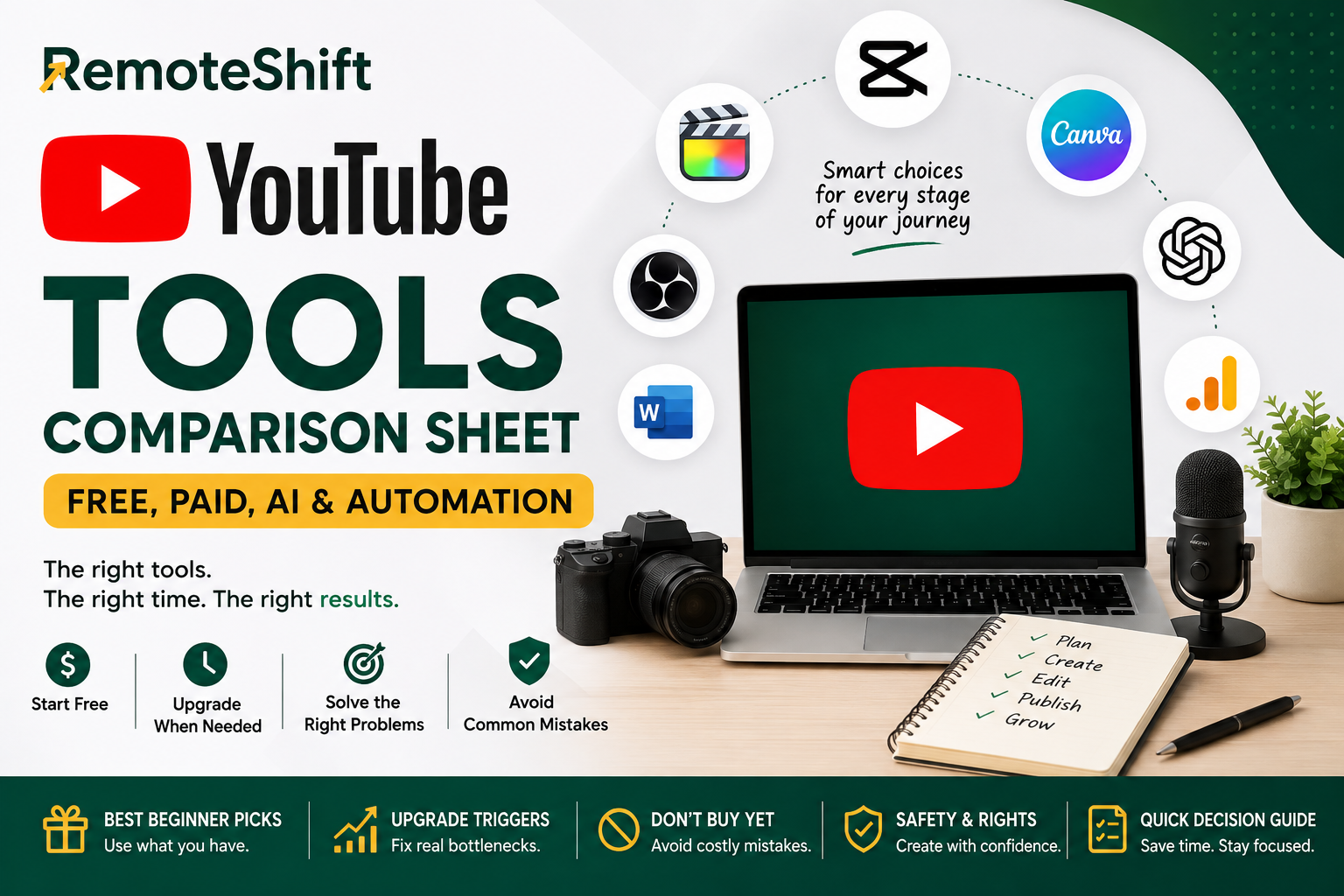
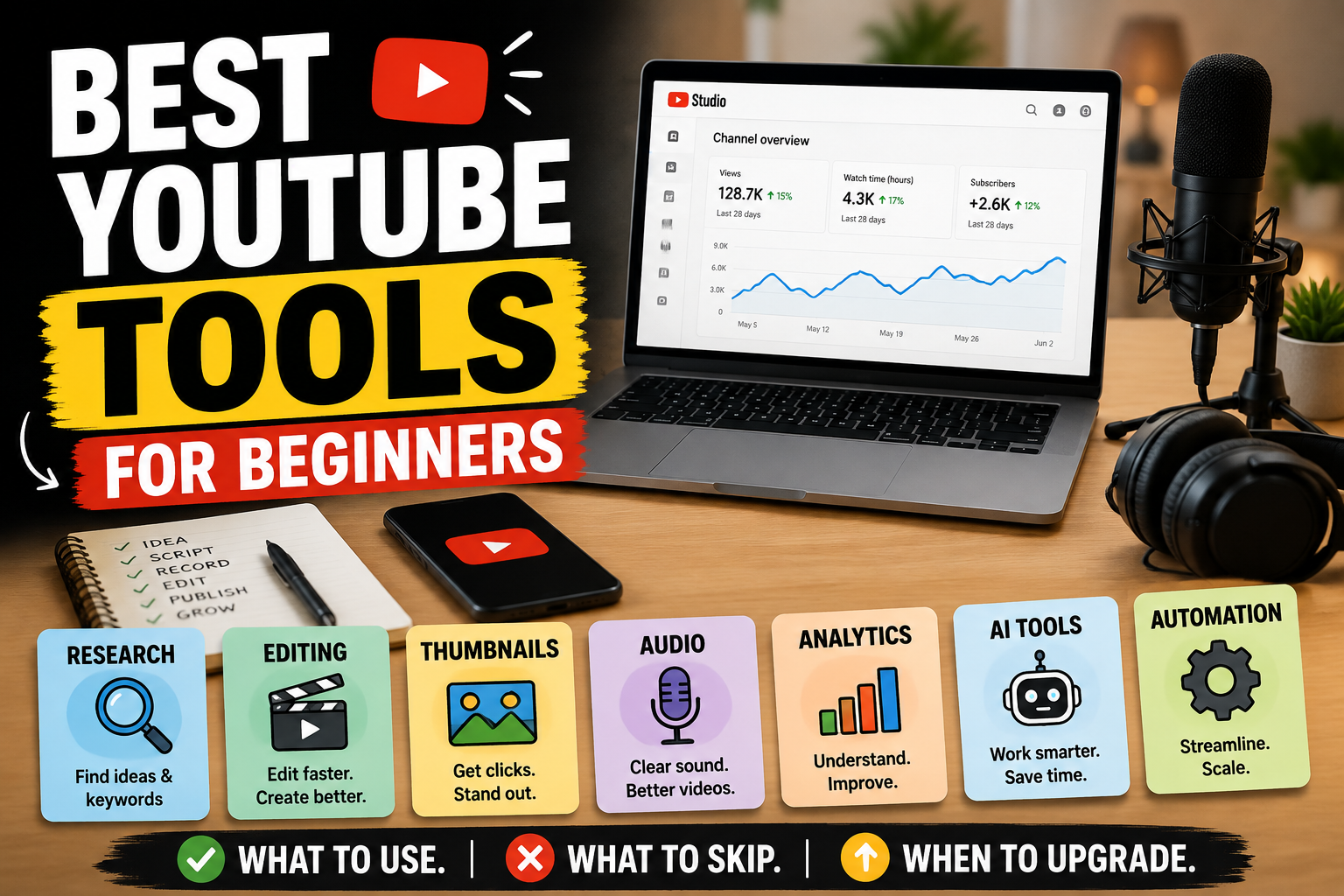
Best YouTube Tools for Beginners: Free, Paid, AI, and Automation Tools
Use this if you need to choose or simplify the tools supporting your faceless workflow.
Alternative 2
How to Monetize a YouTube Channel: YPP, Ads, Affiliates, Services, and Products
Explore this when you're ready to understand the different ways a YouTube channel can generate income.
Take the RemoteShift Assessment
Not sure whether YouTube is the right online-income path for you?
Take the RemoteShift assessment to find a path that better fits your skills, time, budget, and goals
Remoteshift | Earn Today.Build Tomorrow