Best YouTube Tools for Beginners: Free, Paid, AI, and Automation Tools
Best YouTube Tools for Beginners: Free, Paid, AI, and Automation Tools
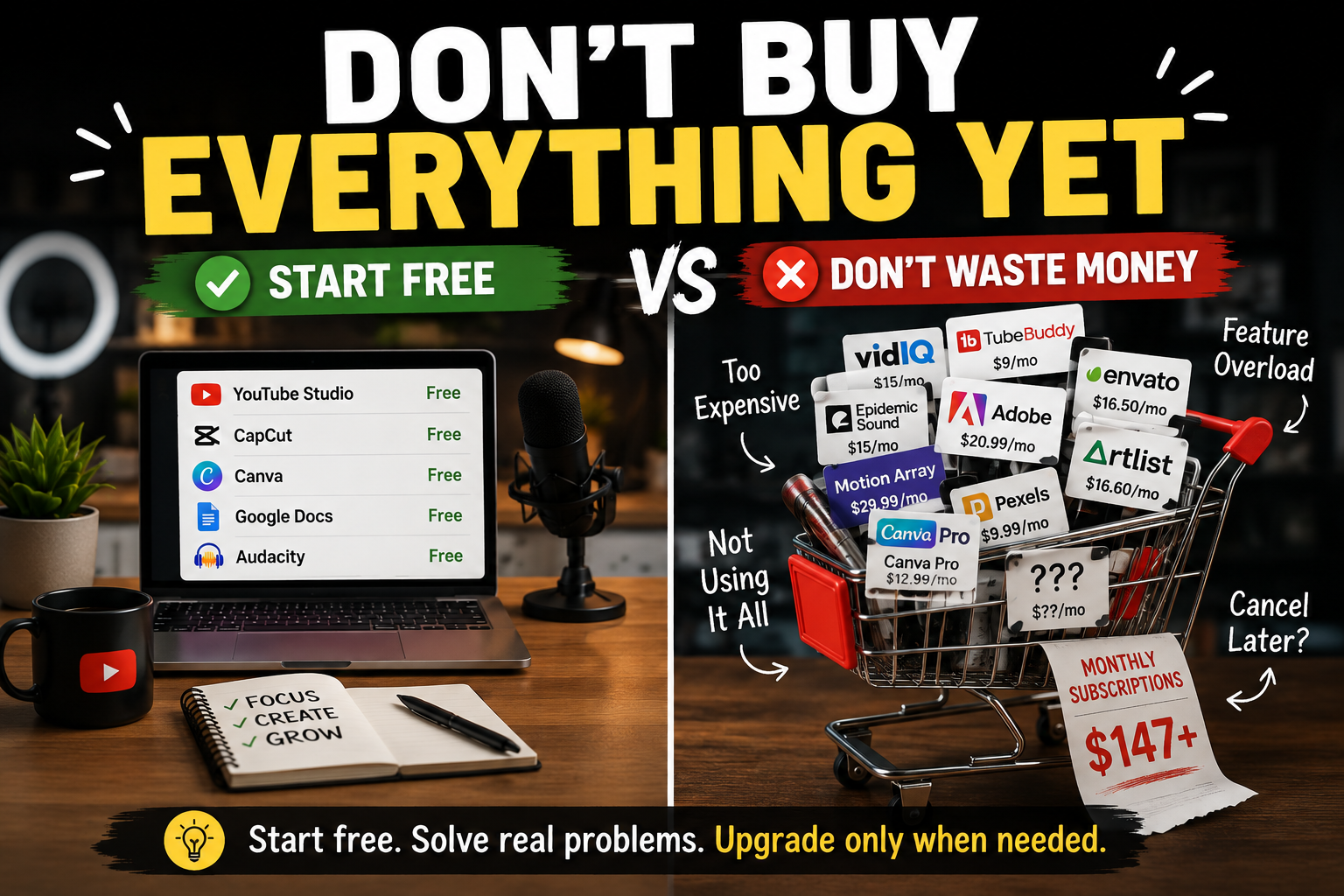
Starting YouTube can get expensive fast.
One creator recommends an editing app. Another says you need an AI writer, a thumbnail tool, an analytics platform, a keyword tool, and several subscriptions.
Before you know it, you are spending money instead of making videos.
The truth is simpler:
You do not need a huge tool stack to start YouTube.
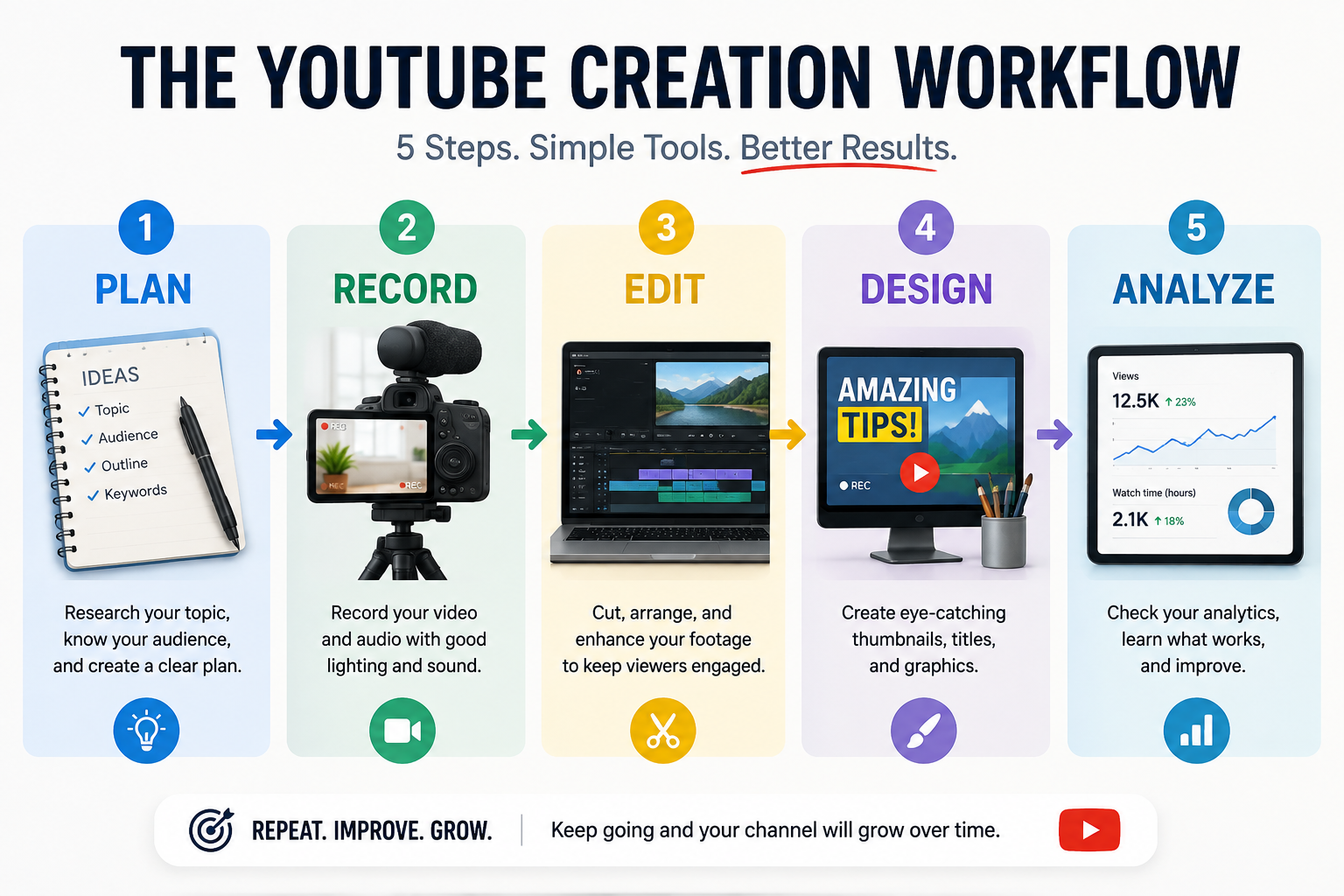
You need tools that help you plan, create, publish, and learn.
Reality Check: A better tool cannot fix a weak topic, unclear audience, or inconsistent publishing. Buy a tool when it solves a real problem.
Start With the Smallest Tool Stack Possible
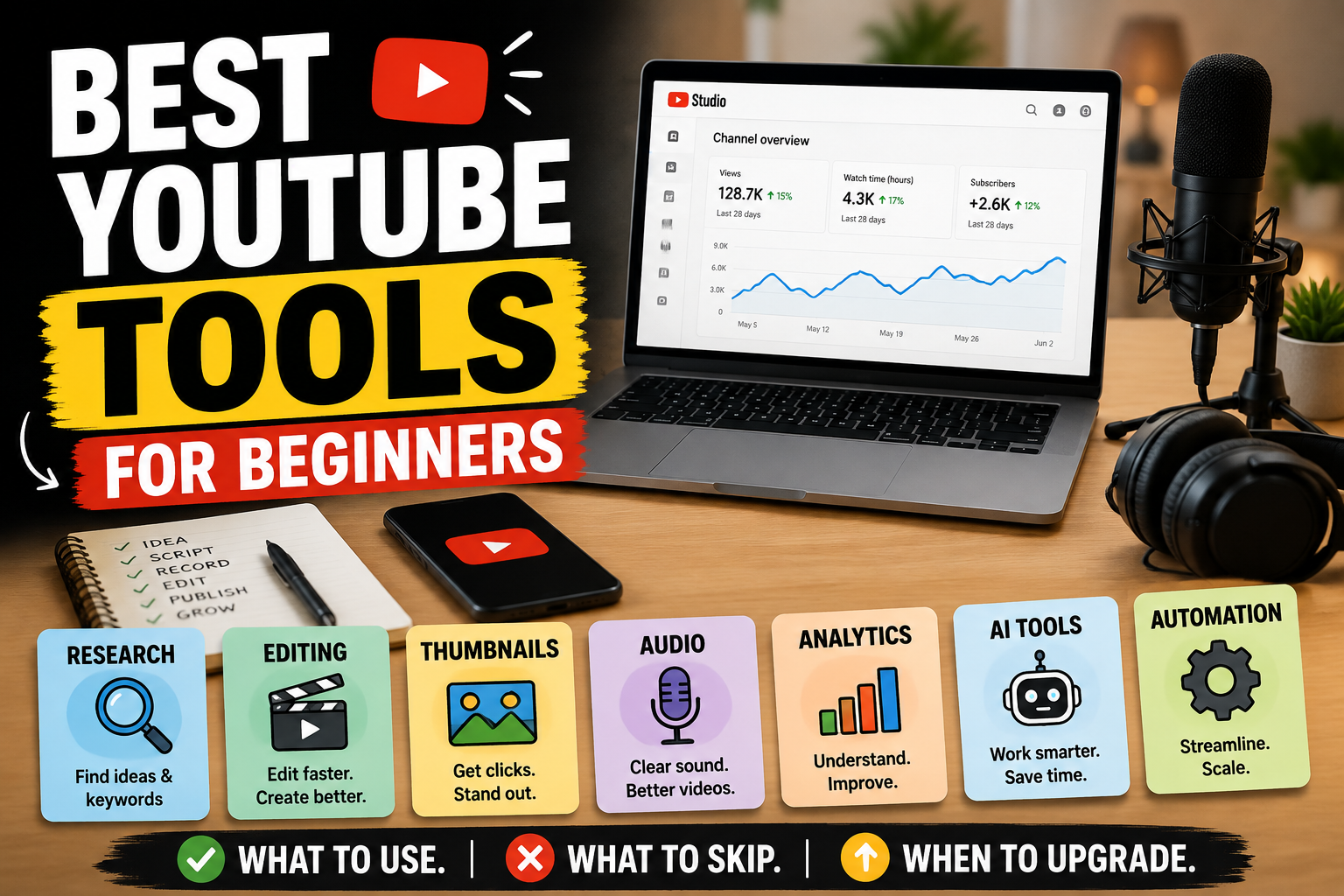
For your first videos, you can keep things simple:
Planning: A notes or document app
Recording: Your existing phone or computer
Editing: One beginner-friendly video editor
Thumbnails: One simple design tool
Publishing and analytics: YouTube Studio
Want a Faster Comparison?
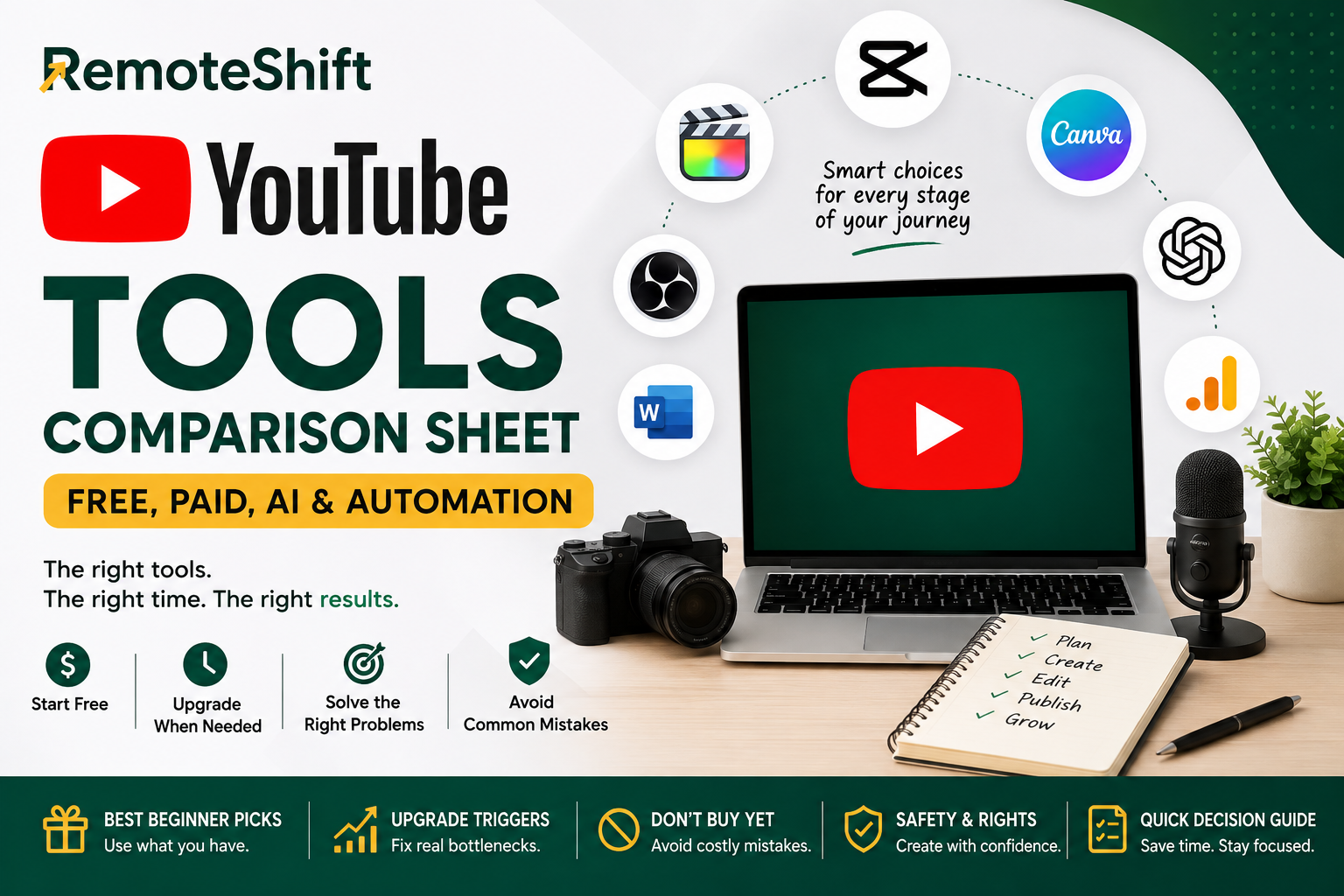
If you want to compare the options at a glance, use the YouTube Tools Comparison Sheet for a quick look at what to start with, what to consider later, and when an upgrade actually makes sense.
You do not need five alternatives for each job.
YouTube Studio gives creators tools to manage content and review channel and video performance.
The goal is not to build the perfect setup.
The goal is to publish your next useful video.
Choose Tools by Job, Not by Hype
Instead of asking:
"What are the best YouTube tools?"
Ask:
"What job am I trying to get done?"
That question makes choosing tools much easier.
Planning and Ideas
Start with a simple notes or document app.
Use it to keep track of:
Video ideas
Questions your audience asks
Possible titles
Hooks
Lessons from previous videos
You can also use YouTube search to see what people are already looking for.
Recording
If your phone produces good enough video, use it.
You do not automatically need an expensive camera.
For many beginners, better lighting and clear audio will matter more than buying expensive equipment.
Editing
Choose an editor you can actually learn and use consistently.
The goal isn't to own the most powerful editing software.
The goal is to finish the next video.
Thumbnails
Use one simple design tool and focus on:
One clear idea
Readable text
Strong contrast
A visual that supports the title
Minimal clutter
A complicated thumbnail isn't automatically a better thumbnail.
Analytics
YouTube Studio should become one of your regular tools.
Use it to look for patterns:
Which topics attract viewers?
Which videos keep people watching?
Which titles and thumbnails earn attention?
You don't need to obsess over every number.
Look for patterns and use them to improve your next video.
On-Camera vs. Faceless: Do You Need Different Tools?
A little.
An on-camera channel may eventually benefit from:
Better lighting
Better audio
A camera
A teleprompter
A faceless channel may need more emphasis on:
Voiceover
Screen recordings
Visuals
Stock footage
Editing
But neither approach requires you to buy everything immediately.
Your format should determine your tools — not the other way around.
If you want to build without appearing on camera, read:
How to Start a Faceless YouTube Channel in 2026: No Camera, No Studio, Real Numbers
When Should You Pay for a Tool?
Use this simple rule:
Don't pay because a tool has more features. Pay because it solves a problem you already have.
Before subscribing, ask:
What exact problem will it solve?
How much time will it save?
How often will I use it?
Can I do the same thing for free?
Can I cancel if it doesn't help?
For example, if editing takes six hours every week and a paid tool genuinely cuts that time in half, the subscription may be worthwhile.
But if you have published three videos and an expensive analytics platform gives you more information than you know how to use, wait.
Evidence should drive upgrades.
Where AI Tools Actually Help
AI can be useful for:
Brainstorming video ideas
Creating first-draft outlines
Developing title options
Improving descriptions
Generating thumbnail concepts
Repurposing your original content
Speeding up repetitive tasks
But there is a difference between AI assistance and letting AI produce generic content with little human input.
Use AI to move faster.
Don't use it as a substitute for:
Judgment
Originality
Research
Fact-checking
Understanding your audience
YouTube's rules around altered or synthetic content can change, so always check the current official guidance when your workflow involves realistic AI-generated or meaningfully altered content.
What Beginners Should Probably Not Buy Yet
This is where many new creators waste money.
You probably do not need:
Several AI subscriptions
Multiple thumbnail platforms
Expensive analytics software
A large stock-footage subscription
Expensive camera equipment before your current setup becomes limiting
Automation software before you have a working production process
There is also a psychological trap:
Buying tools feels like progress.
Publishing is progress.
Learning from your results is progress.
Another subscription is not automatically progress.
Build Your Tool Stack in Three Stages
Stage 1: Start Free
Use what you already have.
Your objective is simple:
Publish useful videos and learn what your audience responds to.
Don't optimize a business that doesn't exist yet.
Stage 2: Find the Bottleneck
After you've produced several videos, ask:
"What is slowing me down every week?"
Maybe editing takes too long.
Maybe thumbnails are taking too much time.
Maybe research is the problem.
Now you have evidence.
Stage 3: Upgrade Selectively
Fix one bottleneck at a time.
Then ask whether the new tool improved:
Speed
Quality
Consistency
Output
Revenue
If it didn't, cancel it.
Your 30-Minute YouTube Tool Setup
You can start today.
First 10 minutes
Create one document called:
YouTube Content System
Add four sections:
Ideas
Scripts
Videos in progress
Published videos
Next 10 minutes
Choose:
One recording method
One editing tool
One thumbnail/design tool
That's enough.
Final 10 minutes
Open YouTube Studio and familiarize yourself with:
Uploading videos
Managing content
Checking analytics
You can improve the system after you have something to improve.
Continue Your YouTube Path
Primary Next Step
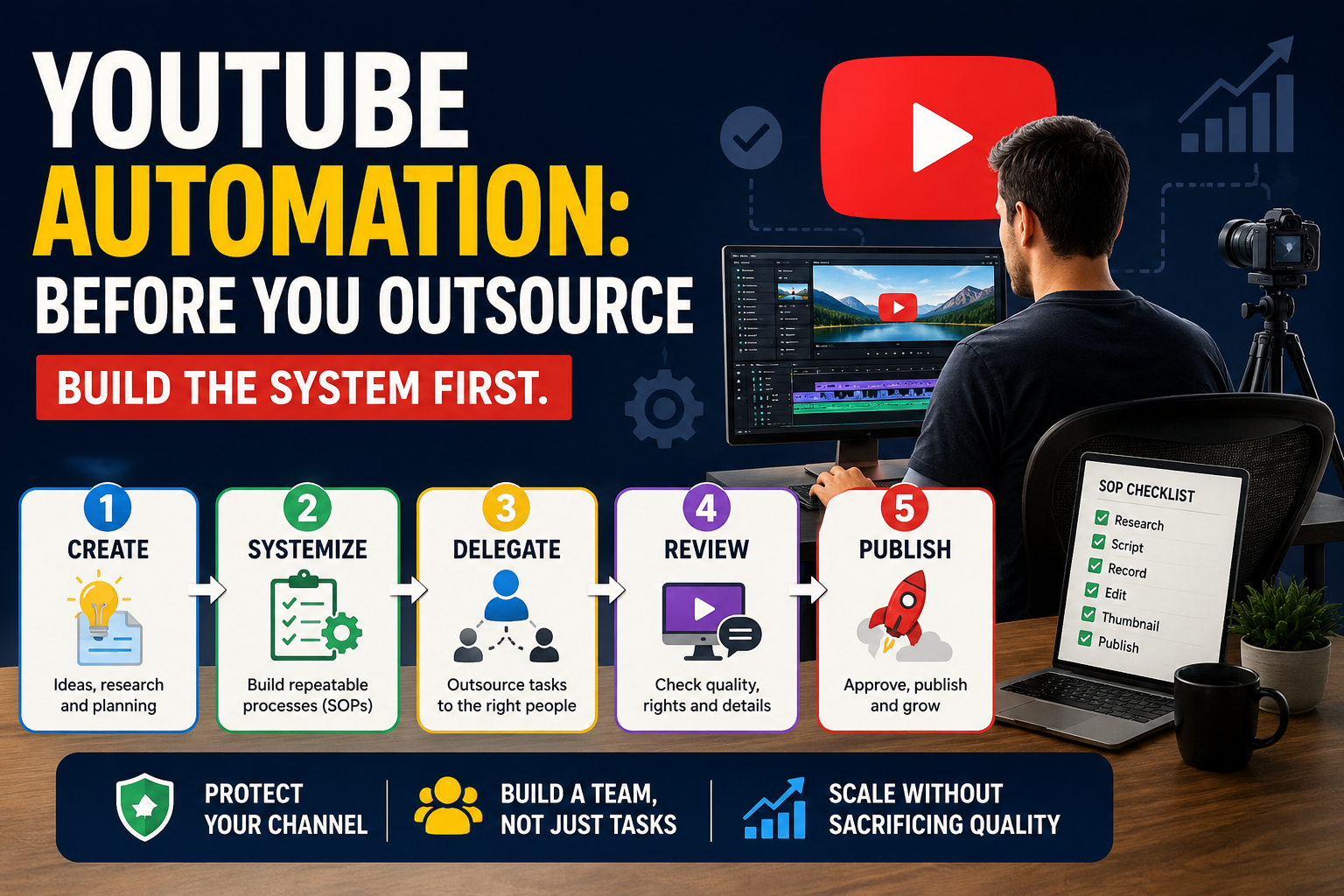
YouTube Automation for Beginners: What It Really Takes Before You Outsource
Explore this when your workflow is working and you're ready to understand what can be delegated, systemized, or automated.
Alternative 1
How to Monetize a YouTube Channel: YPP, Ads, Affiliates, Services, and Products
Use this if your next question is how your channel can turn views and an audience into income.
Alternative 2
YouTube Tools Comparison Sheet: Free, Paid, AI & Automation
Use this quick reference if you want to compare beginner tools and decide when an upgrade is actually worth it.
Take the RemoteShift Assessment
Not sure whether YouTube is the right online-income path for you?
Take the RemoteShift assessment to find a path that better fits your skills, time, budget, and goals.
Start with the smallest tool stack possible. Create something. Learn from it. Then upgrade only when the evidence tells you to.
Remoteshift | Earn Today.Build Tomorrow.