YouTube Automation for Beginners: What It Really Takes Before You Outsource
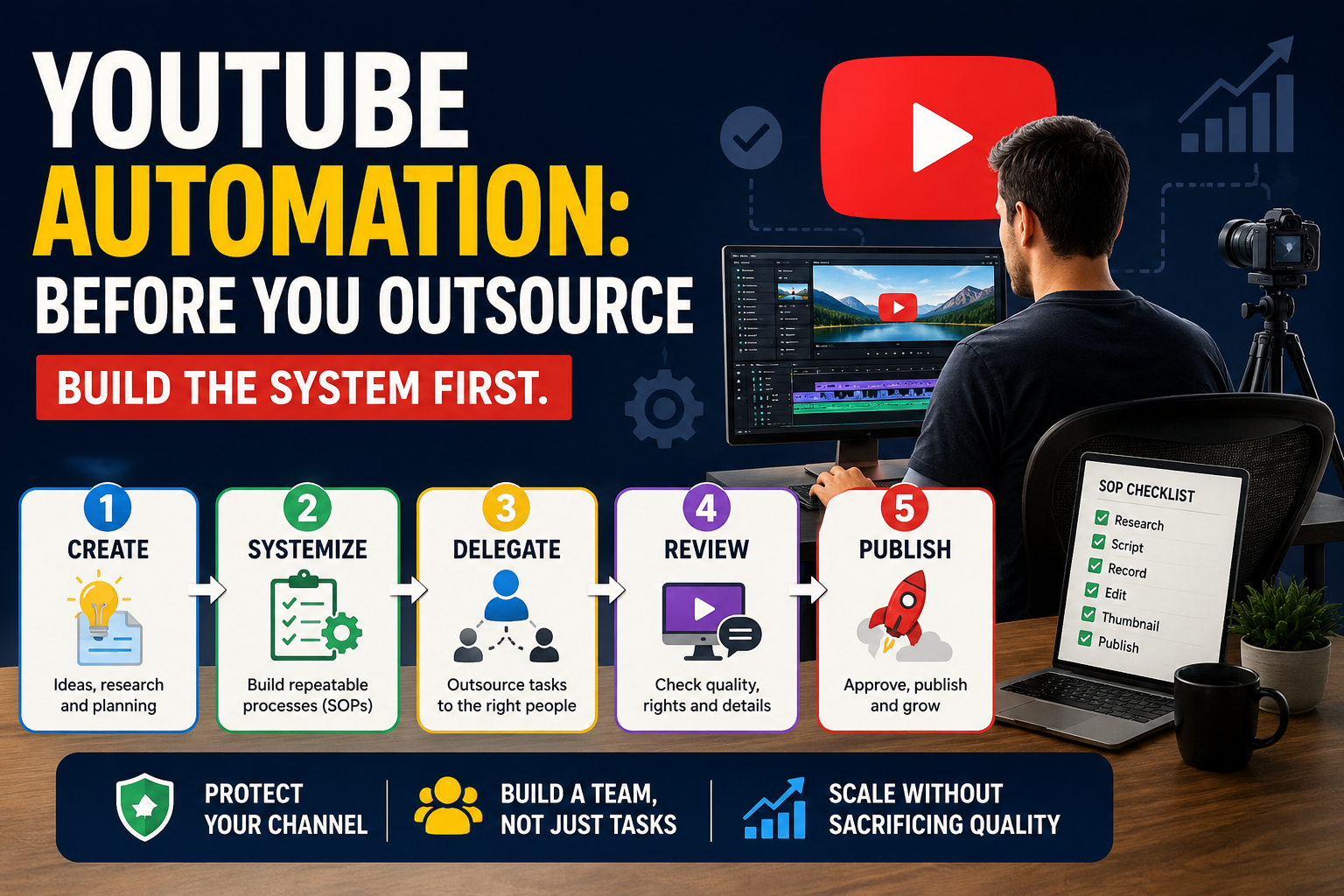
YouTube automation sounds attractive.
Create a channel. Hire people. Add some AI. Let the system run.
Except that's usually not how it works.
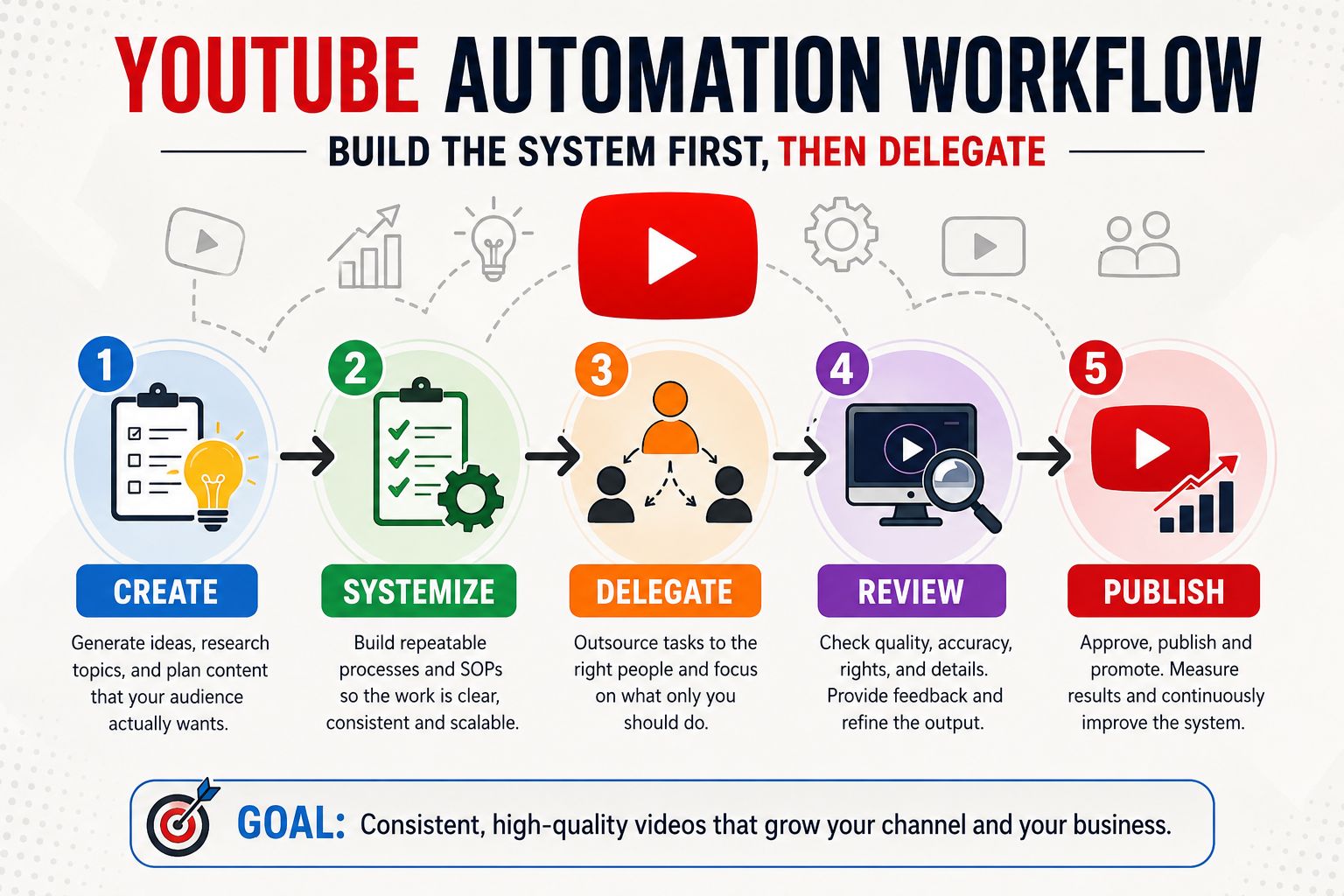
Successful YouTube automation starts with a process that already works.
You first need to understand how your videos are made, what quality looks like, and what your audience actually wants. Then you can decide which parts are worth delegating.
Reality Check: Automation does not remove responsibility. It moves responsibility from doing the work yourself to designing, checking, and managing the system.
YouTube Automation Is Not Passive Income
The word "automation" can make YouTube sound almost effortless.
It isn't.
Someone still needs to decide:
What videos should be made
Who the videos are for
What makes each video useful
Whether the information is accurate
Whether the visuals and music can legally be used
Whether the finished video is good enough to publish
AI can help with some tasks. Freelancers can handle others.
But someone still has to own the result.
Think of automation as:
A repeatable process + delegated tasks + quality control
Not:
AI + freelancers + zero involvement
That distinction can save you a lot of money.
When Are You Actually Ready to Outsource?
You don't need a huge channel before outsourcing.
But you should have a process worth outsourcing.
Before hiring someone, ideally you should know:
Who your audience is
What type of videos you make
How you research topics
How you structure videos
What your editing style looks like
What your thumbnail should communicate
What "good enough to publish" means
If you are still changing your format every week, hiring people can create confusion rather than scale.
Prove the workflow first. Then delegate the repetitive parts.
If you are still working on your production process, start with:
How to Create YouTube Videos: On-Camera, Faceless, and AI-Assisted Workflows
What Should You Outsource First?
Don't hand your entire channel to a stranger on day one.
Start with tasks that are repetitive and relatively easy to explain.
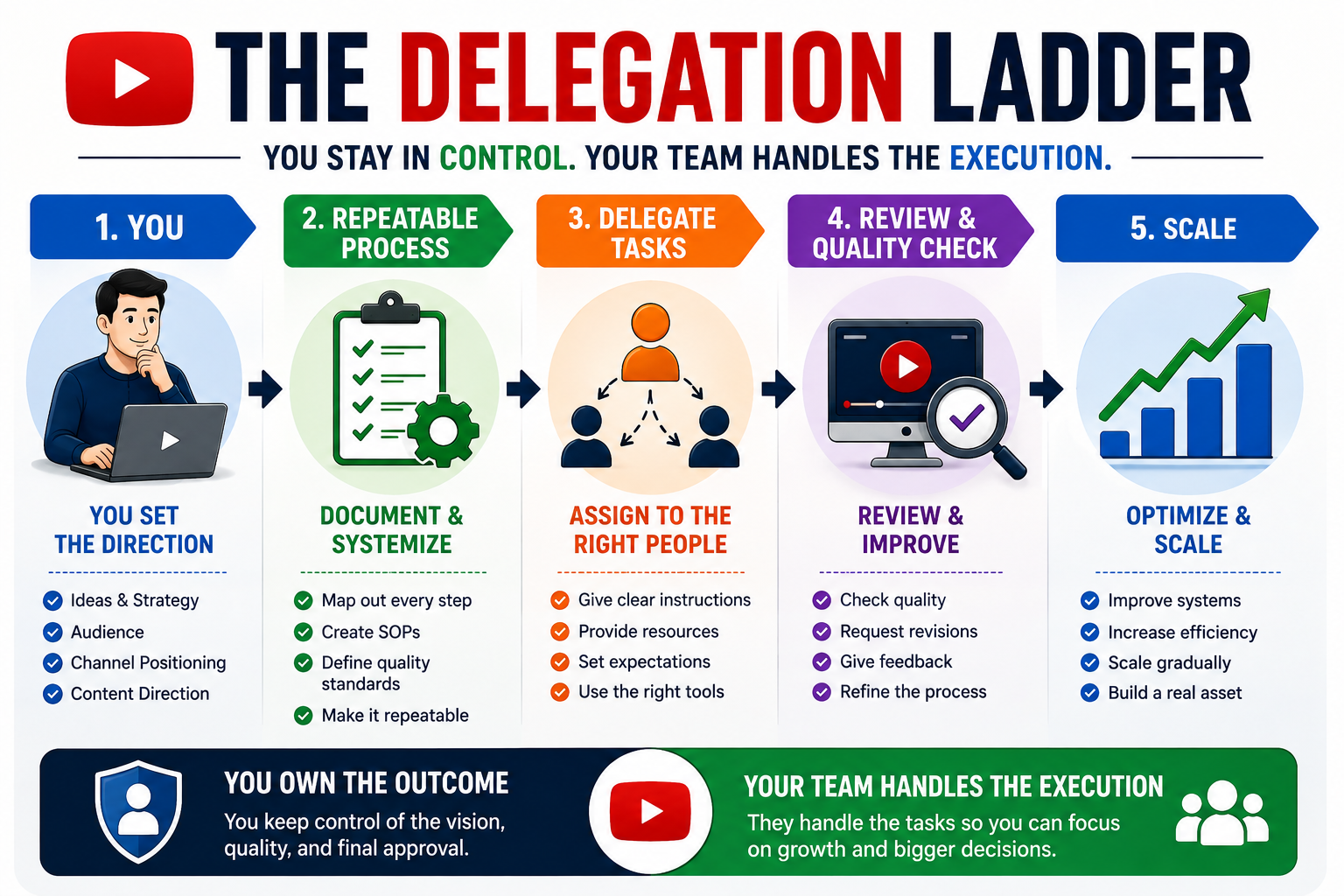
A practical delegation ladder might look like this:
1. Editing
If editing takes several hours every week, this is often one of the easiest tasks to delegate.
Give the editor:
A sample video
Editing instructions
Your preferred style
A list of things to avoid
A revision process
2. Thumbnail Production
You can provide the title and concept while a designer creates several options.
You still make the final decision.
3. Research Assistance
A researcher can help collect:
Sources
Statistics
Examples
Competitor videos
Audience questions
But important claims should still be checked before publication.
4. Administrative Work
Tasks such as organizing files, maintaining a content calendar, preparing descriptions, or tracking production can eventually be delegated.
The principle is simple:
Delegate execution before you delegate strategy.
You should initially keep control over your audience, positioning, topics, standards, and final approval.
Build a Simple SOP Before You Hire Anyone
An SOP — Standard Operating Procedure — sounds complicated.
It isn't.
For a YouTube task, an SOP simply explains:
"This is how we do this job here."
For example, an editing SOP could say:
Download the approved footage.
Follow the provided structure.
Remove unnecessary pauses.
Add approved visuals where appropriate.
Check audio levels.
Export using the required settings.
Upload the draft for review.
Make requested revisions.
Also explain what not to do.
For example:
Don't add copyrighted music without approval.
Don't use random stock footage.
Don't change the video's message.
Don't publish anything without approval.
A good SOP reduces questions, mistakes, and revisions.
How Much Does YouTube Outsourcing Cost?
There isn't one universal price.
The cost depends on:
The task
Skill level
Video complexity
Volume
Number of revisions
Where the freelancer is located
Whether you hire per task, per video, or monthly
Instead of asking:
"What's the cheapest freelancer I can find?"
Ask:
"What can I afford to spend while keeping the channel economically viable?"
A simple calculation is:
Expected revenue per video − other costs − desired margin = maximum production budget
Early on, your budget may be very small.
That's okay.
You don't need a full production team.
You might only need one person handling the task that consumes the most of your time.
If you're still deciding which tools belong in your workflow, see:
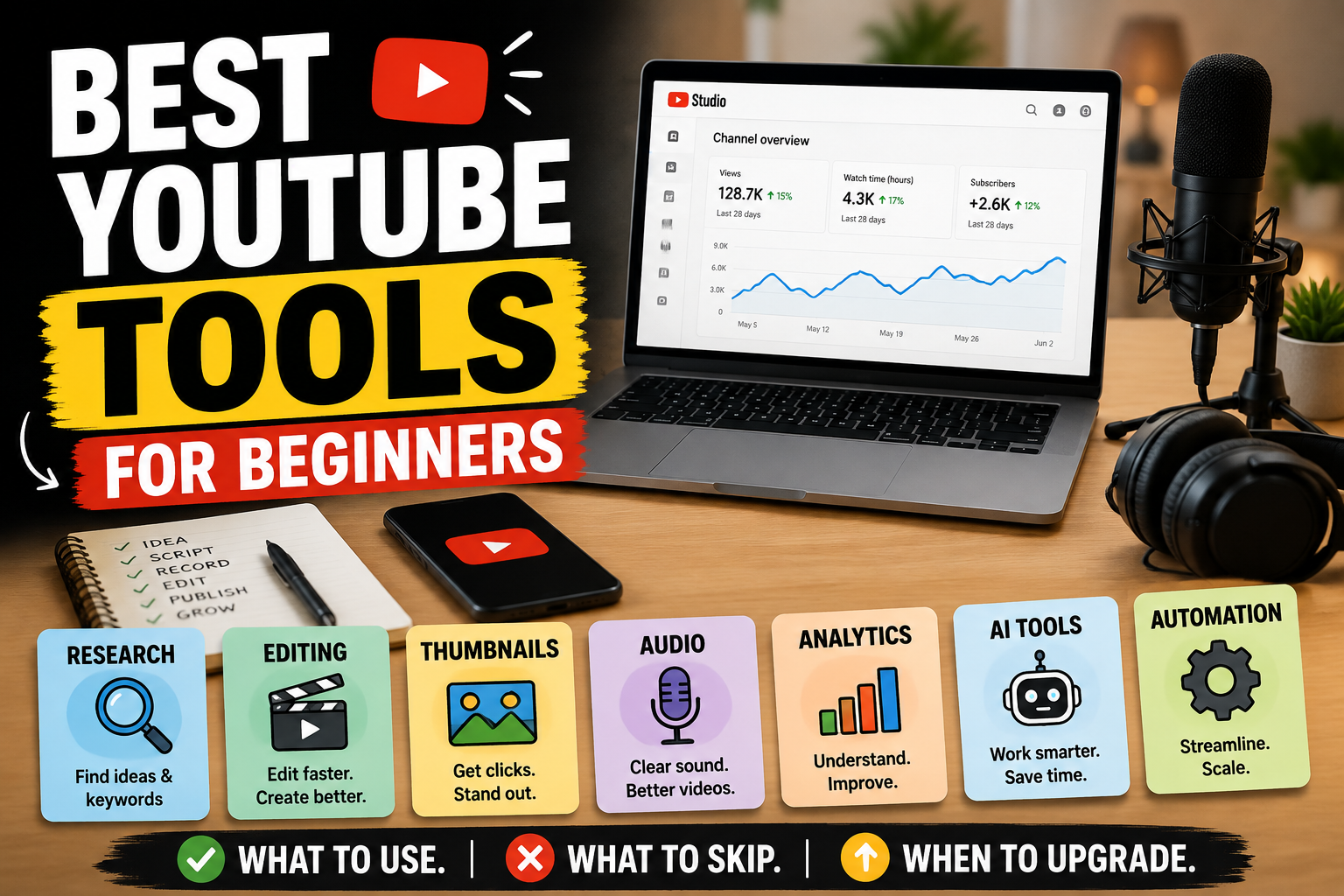
Best YouTube Tools for Beginners: Free, Paid, AI, and Automation Tools
Need the Right Tools First?
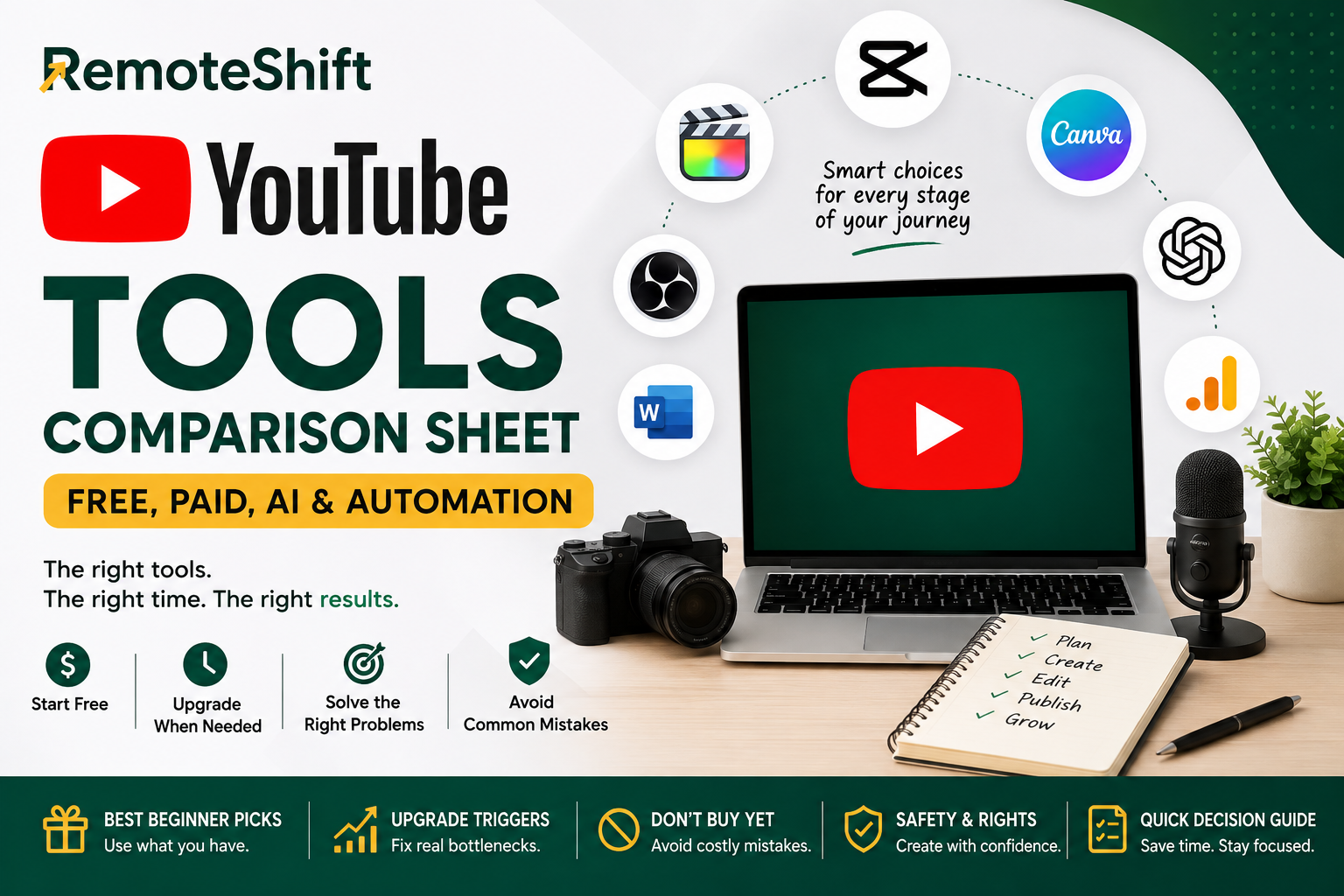
Before adding automation, make sure you have the basic tools you actually need. Use the YouTube Tools Comparison Sheet to compare beginner options and decide when an upgrade makes sense.
Protect Your Channel: Quality, Rights, and AI
This is where automation can become risky.
Giving someone else responsibility for production doesn't mean giving them permission to cut corners.
Every video still needs to meet your standards.
Pay particular attention to:
Copyright
Music licensing
Stock footage rights
Originality
Reused content
AI-generated material
Factual accuracy
Misleading claims
YouTube's monetization policies emphasize original and authentic content. Mass-produced or repetitive content can create monetization problems.
That means you should not build a system that simply produces hundreds of nearly identical videos.
More videos do not automatically mean more business.
AI can help with brainstorming, outlining, research assistance, and repetitive work.
But don't let AI become an excuse to publish generic content without human review.
When AI-generated or altered content falls under YouTube's disclosure requirements, follow YouTube's current disclosure rules.
The safest approach is simple:
Use AI to assist the workflow. Keep humans responsible for the final product.
Give People Access Without Giving Away Your Account
If someone is helping manage your channel, don't give them your Google password.
YouTube provides channel permissions that allow owners to give other people different levels of access.
That means you can delegate appropriate tasks without handing over control of your entire Google account.
Before giving someone access, ask:
What exactly do they need to do?
What level of access do they need?
Do they really need access to the channel?
Can the task be completed without account access?
Give the minimum access required to complete the job.
The Simple Owner-Control System
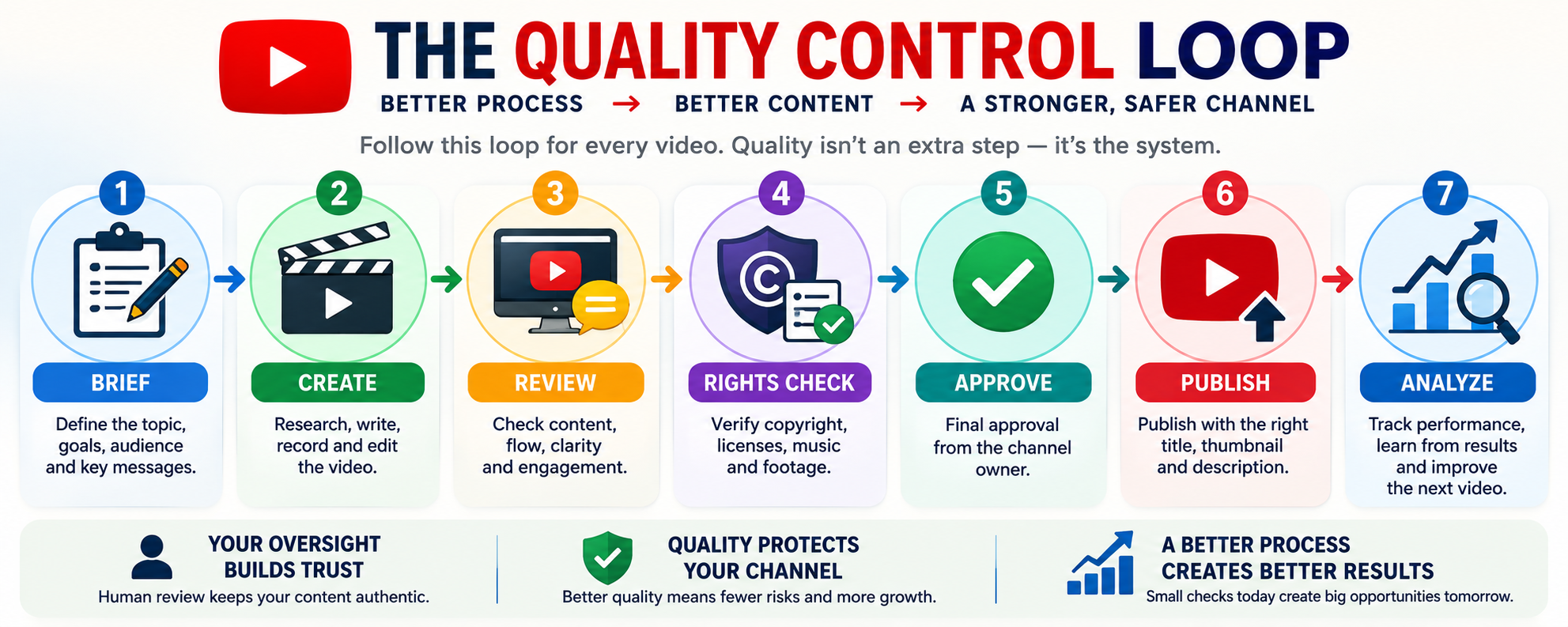
A useful YouTube automation workflow looks like this:
Brief → Create → Review → Rights Check → Approve → Publish → Analyze
Your freelancer or assistant can handle parts of the process.
But you remain responsible for the system.
You control:
Audience
Channel positioning
Content direction
Final quality
Rights and compliance
Final approval
Business decisions
Your team can handle:
Editing
Thumbnail production
Research assistance
File organization
Administrative tasks
Other repeatable production work
Should You Automate Yet?
Use this simple test.
Not yet
You are still figuring out your audience, format, topics, and production process.
Keep creating yourself.
Maybe
You have a repeatable workflow, but one task is consuming too much of your time.
Delegate that one task first.
Yes, selectively
Your process works, your quality standards are clear, and outsourcing produces a measurable benefit.
Scale carefully.
You don't need a team of ten people.
You might only need one reliable person who removes the biggest bottleneck in your workflow.
And remember:
Automation should increase your leverage, not remove your responsibility.
Continue Your YouTube Path
Primary Next Step
How to Start a Faceless YouTube Channel in 2026: No Camera, No Studio, Real Numbers
Explore the faceless route if you want to build a YouTube channel without appearing on camera.
Alternative 1
YouTube Tools Comparison Sheet: Free, Paid, AI & Automation
Use this quick reference if you need to choose the tools that support your workflow before adding more automation.
Alternative 2
How to Monetize a YouTube Channel: YPP, Ads, Affiliates, Services, and Products
Revisit the monetization guide if you want to understand the economics before investing more time or money into scaling.
Take the RemoteShift Assessment
Not sure whether YouTube is the right online-income path for you?
Take the RemoteShift assessment to find a path that better fits your skills, time, budget, and goals.
Build the process first. Delegate the bottleneck second. Automate only when the numbers make sense.
Remoteshift | Earn Today.Build Tomorrow.