YouTube Tools Comparison Sheet: Free, Paid, AI & Automation
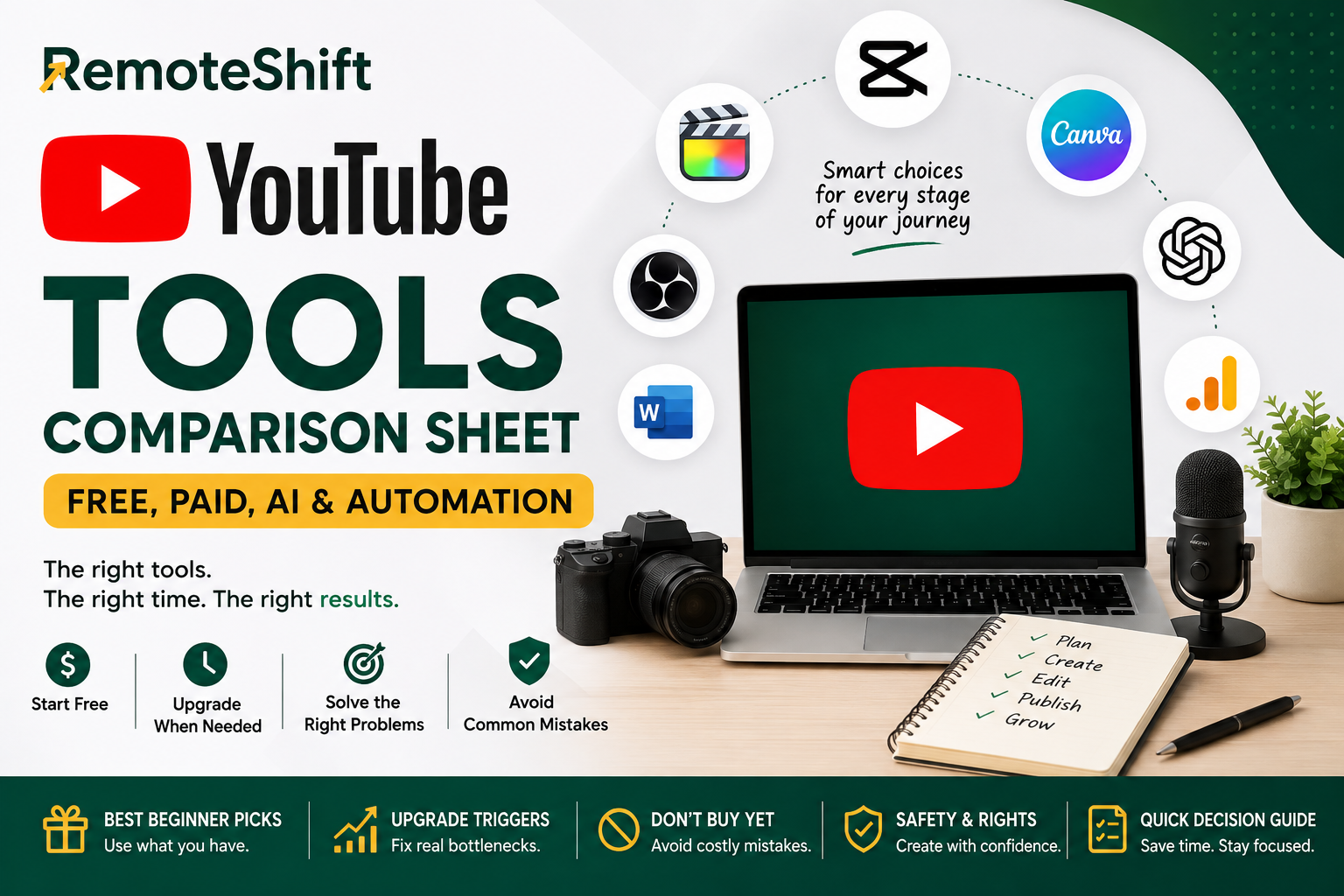
YouTube Tools Comparison Sheet: Free, Paid, AI & Automation
A simple guide to choosing the right YouTube tools without overspending.
Last reviewed: August 2026
You do not need a huge software stack to start a YouTube channel.
The simplest approach is:
Start free → create → find the bottleneck → upgrade only when necessary.
This sheet helps you decide what to use now, what to consider later, and what you probably do not need yet.
Best Beginner Tool Stack
You can start with a surprisingly small setup.
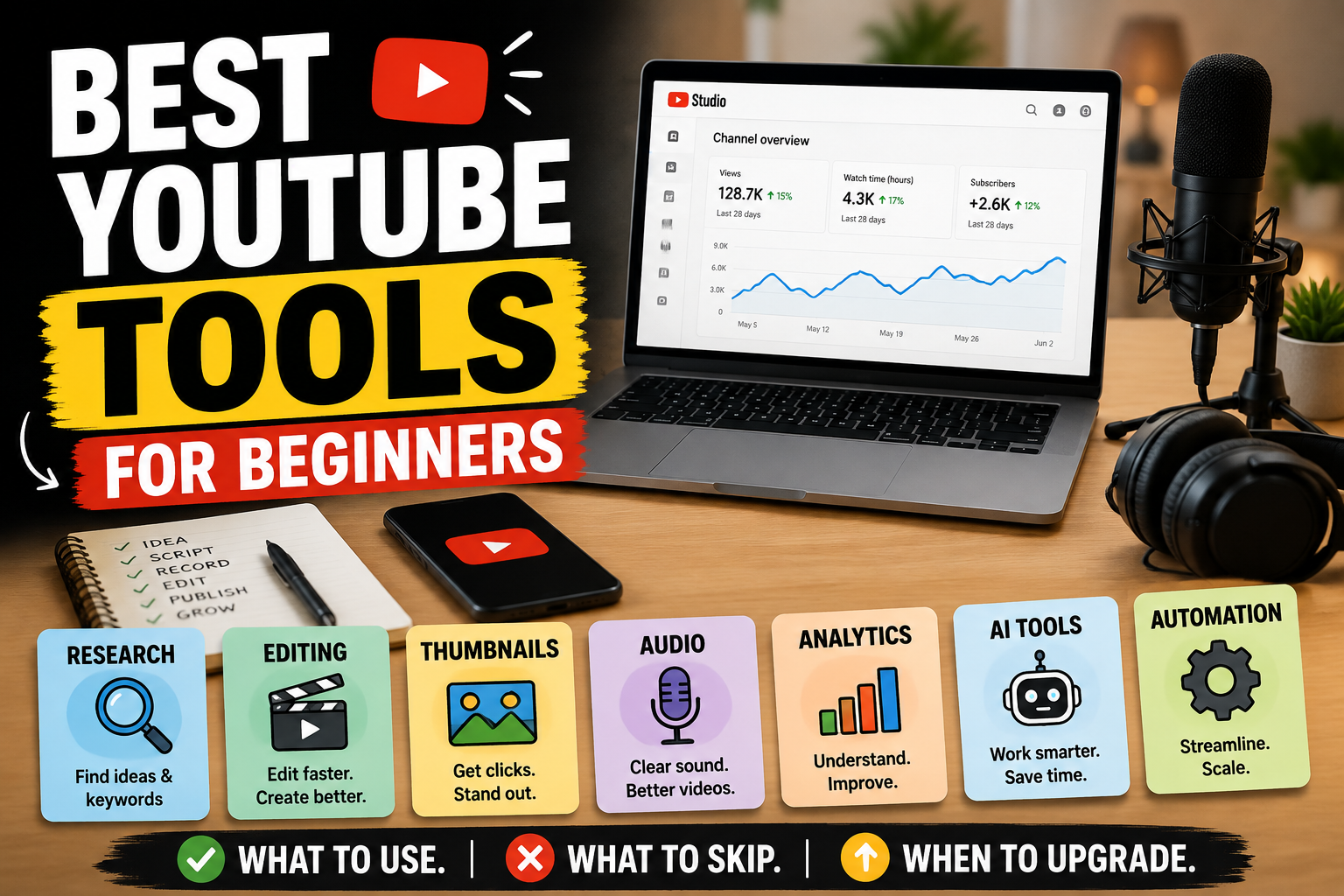
| Job | Start With | Upgrade When... |
|---|---|---|
| Channel management | YouTube Studio | You have a specific workflow or reporting limitation |
| Recording | Phone or existing webcam | Quality becomes a real limitation |
| Editing | CapCut or DaVinci Resolve | Editing becomes a significant bottleneck |
| Thumbnails | Canva | You need features your current setup cannot provide |
| Screen recording | OBS Studio | You need a different workflow |
| Research | YouTube Search + Studio tools | Research volume becomes difficult to manage |
| AI assistance | One AI tool | Repetitive work starts consuming meaningful time |
| Analytics | YouTube Studio Analytics | You have a specific need for deeper analysis |
| Automation | Manual workflow first | Your process is proven and repeatable |
You do not need every tool listed above.
Choose the smallest stack that allows you to publish consistently.
1. Recording
Beginner Pick: Your Existing Phone or Webcam
Best for: Testing your content format before spending money.
If you already own a phone, laptop or webcam, start there.
Start
Already Owned
Upgrade Trigger
Consider better equipment only when:
You are publishing consistently.
You know what type of videos you are making.
Image or audio quality is genuinely limiting your content.
The upgrade solves a specific problem.
Main Limitation
Expensive equipment cannot fix weak topics, poor scripts or inconsistent publishing.
2. Video Editing
Beginner Picks
CapCut — A straightforward option for creators who want to start editing quickly.
DaVinci Resolve — A stronger option if you want more advanced editing capabilities and are willing to learn the software.
Start
Free
Choose one editor and learn it properly.
Upgrade Trigger
Upgrade only when your current editor creates a real production bottleneck.
Main Limitation
More features do not automatically produce better videos.
For many beginners, a simpler editor is actually faster.
3. Thumbnails & Design
Beginner Pick: Canva
Best for: Thumbnails, simple graphics and channel assets.
Start
Free / Freemium
Start with the features you actually need.
Upgrade Trigger
Consider upgrading only when you repeatedly need a feature that is limiting your workflow.
Main Limitation
A premium design subscription does not automatically create better thumbnails.
The idea, title and clarity of the thumbnail still matter.
4. Research & Content Ideas
Beginner Pick: YouTube Search + YouTube Studio
Start with the platform where your audience already watches.
Look for:
Questions people repeatedly ask
Topics with clear viewer interest
Gaps in existing videos
Problems you can explain better
Content your target audience already consumes
Start
Free
Upgrade Trigger
Consider additional research tools when research itself becomes a meaningful bottleneck.
Main Limitation
More keyword data does not guarantee better content.
Understanding your audience is still the important part.
5. AI Assistance
Beginner Pick: One AI Tool
AI can help with:
Brainstorming
Outlining
Research organization
Drafting
Rewriting
Checklists
Repurposing your own content
Start
Free / Freemium
Use one capable AI tool before subscribing to several.
Upgrade Trigger
Consider paying when the tool saves meaningful time or solves a specific workflow problem.
Main Limitation
AI output still needs human review.
Do not publish automatically just because AI produced something.
6. Analytics
Beginner Pick: YouTube Studio Analytics
Use your existing YouTube analytics before paying for additional analytics software.
Focus on questions such as:
Which videos are getting attention?
Where are viewers dropping off?
Which topics perform better?
Which videos attract the audience you actually want?
Start
Free
Upgrade Trigger
Only consider another analytics tool when you can identify a specific limitation in your current setup.
Main Limitation
More data does not automatically create better decisions.
7. Automation
Beginner Pick: Manual Workflow
This is important:
Do not automate a process you have not learned yourself.
First:
Create the content yourself.
Prove the format works.
Document the workflow.
Identify repetitive tasks.
Delegate appropriate tasks.
Automate only where it makes sense.
Upgrade Trigger
Automation becomes useful when repetitive work is consuming meaningful time and the process is already reliable.
Main Limitation
Automation can multiply a bad process just as easily as a good one.
Build Your Stack in Three Stages
Stage 1 — Start Free
Your first stack can be:
YouTube Studio
Your existing phone or webcam
One video editor
Canva or another simple design tool
One AI tool, if useful
That's enough to begin.
Stage 2 — Fix the Bottleneck
After publishing several videos, ask:
What is actually slowing me down?
Is it:
Research?
Recording?
Editing?
Thumbnails?
Audio?
Organization?
Repetitive work?
Upgrade that problem, not everything.
Stage 3 — Systemize and Delegate
Once your workflow is repeatable:
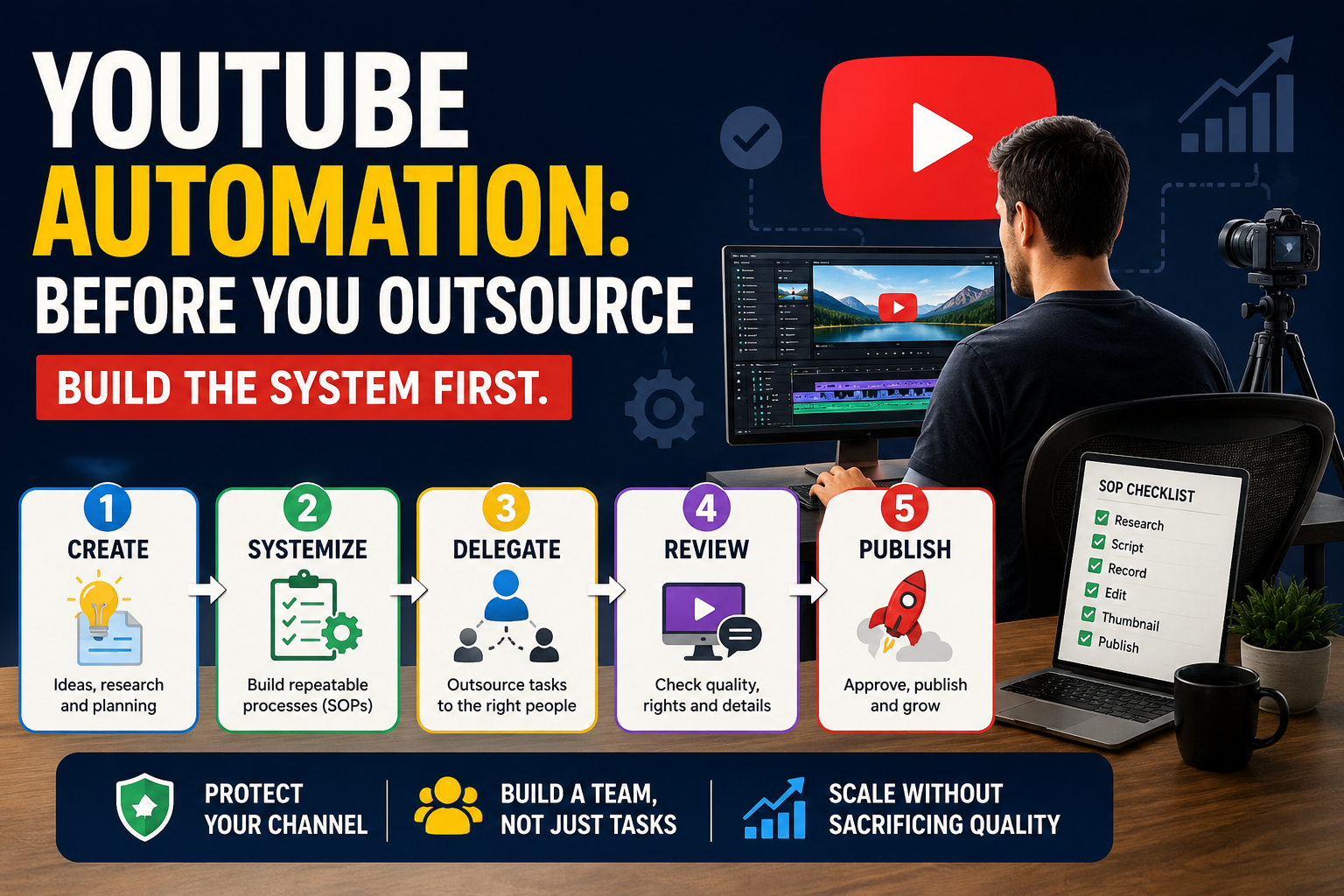
Create → Document → Systemize → Delegate → Review
Automation comes after the process is proven.
Don't Buy Everything Yet
You probably do not need:
An expensive camera
Multiple AI subscriptions
Several video editors
Premium thumbnail software
Expensive automation platforms
Large stock-media subscriptions
Complicated analytics tools
Software that solves a problem you do not have
A subscription is not progress.
Publishing, learning and improving are progress.
Before You Upgrade, Ask These 5 Questions
1. What problem am I solving?
If you cannot answer this clearly, don't buy the tool.
2. Is my current tool actually causing the problem?
If not, keep using it.
3. How often does the problem occur?
An occasional inconvenience probably does not justify another monthly subscription.
4. Will the upgrade save meaningful time or improve quality?
Be specific.
5. Can I test it before committing?
Whenever possible, use a free version or trial first.
Reality Check
Tools do not create a successful YouTube channel.
They can make a good workflow:
Faster
Easier
More consistent
More professional
But they cannot replace:
A useful topic
A clear audience
Good communication
Original thinking
Consistent publishing
Learning from viewer response
Your first goal is not to build the perfect studio.
Your first goal is to publish something useful and learn from it.
AI, Copyright & Safety
Before publishing content created or assisted by AI:
Review the output yourself.
Check important facts.
Confirm that music, images, video clips and other assets have appropriate rights.
Avoid copying another creator's content and making only superficial changes.
Keep your content original and useful.
Review current YouTube policies when your workflow involves AI, reused content, copyright or monetization.
When in doubt, verify the current platform rules before publishing.
The Simple Rule
Use this rule for almost every YouTube tool:
Start free. Create something. Find the bottleneck. Upgrade only when the evidence tells you to.
You do not need the biggest tool stack.
You need a tool stack you can actually use.
Continue Your YouTube Path
Primary Next Step
Best YouTube Tools for Beginners: Free, Paid, AI, and Automation Tools
Return to the full guide if you want a deeper explanation of how to choose tools for your YouTube workflow.
Alternative 1
How to Make Money on YouTube as a Beginner
Go back to the broader YouTube path if you're still deciding whether YouTube is the right online-income model for you.
Alternative 2
How to Monetize a YouTube Channel: YPP, Ads, Affiliates, Services, and Products
Explore this when you're ready to understand the different ways a YouTube channel can generate income.
Take the RemoteShift Assessment
Not sure whether YouTube is the right online-income path for you?
Take the RemoteShift assessment to find a path that better fits your skills, time, budget, and goals.
RemoteShift | Earn Today. Build Tomorrow.